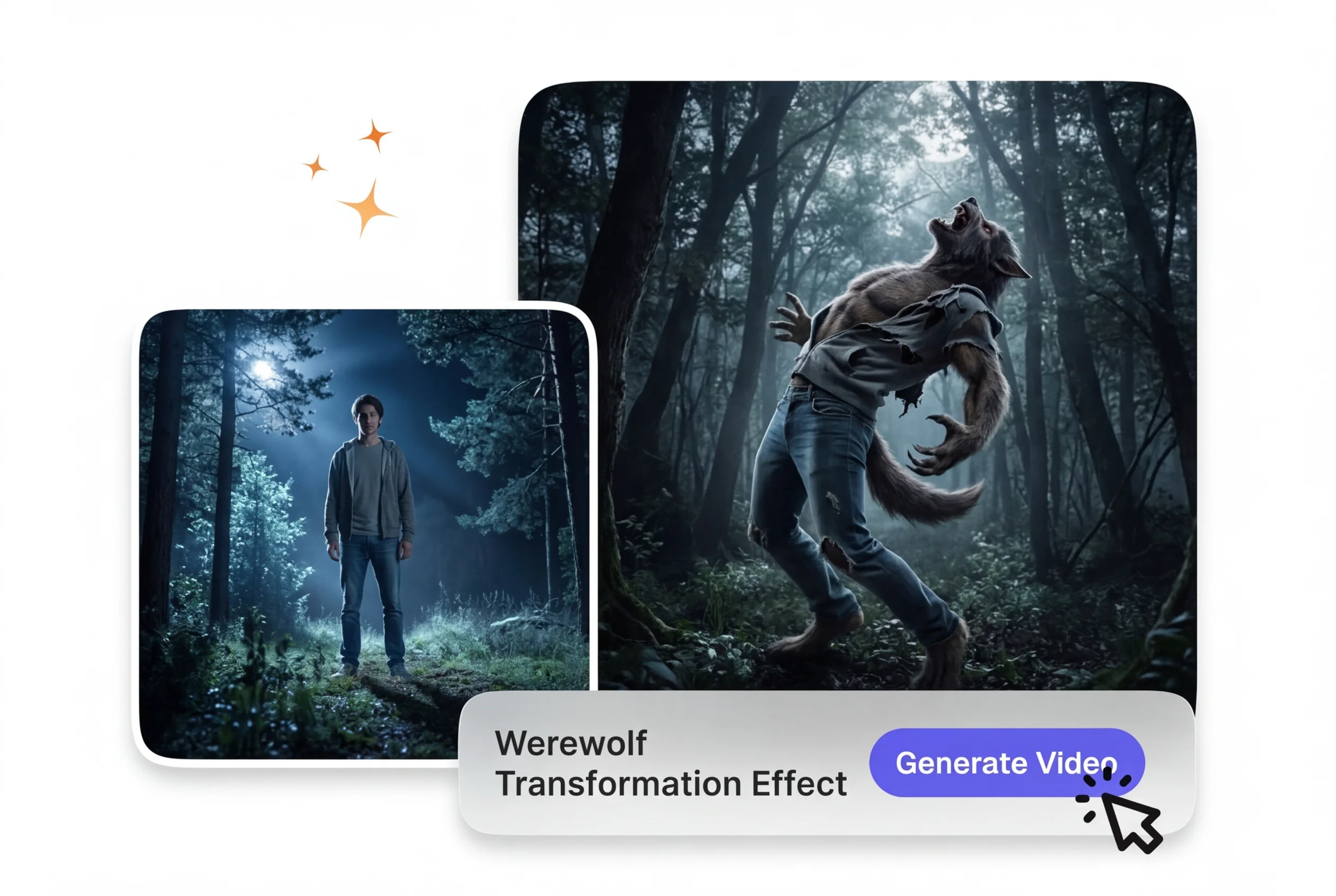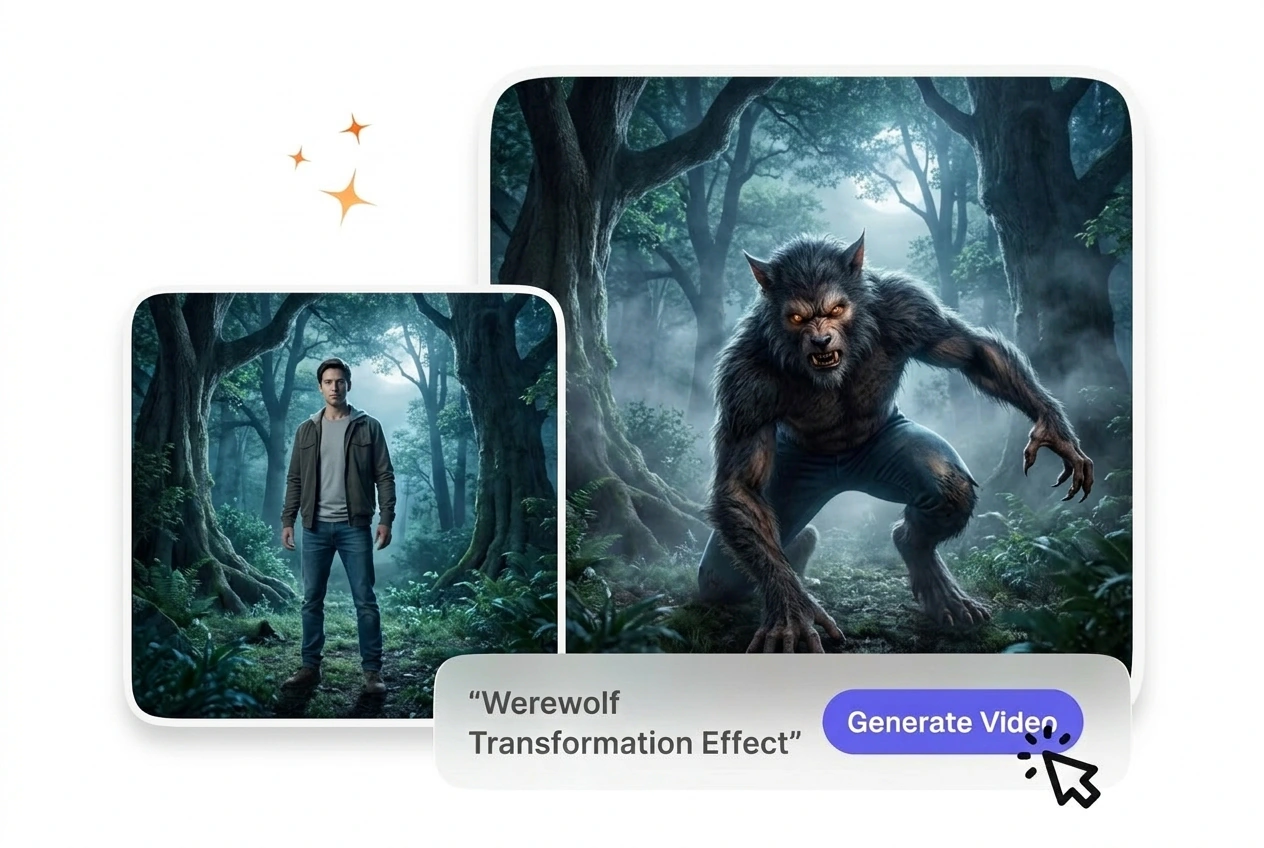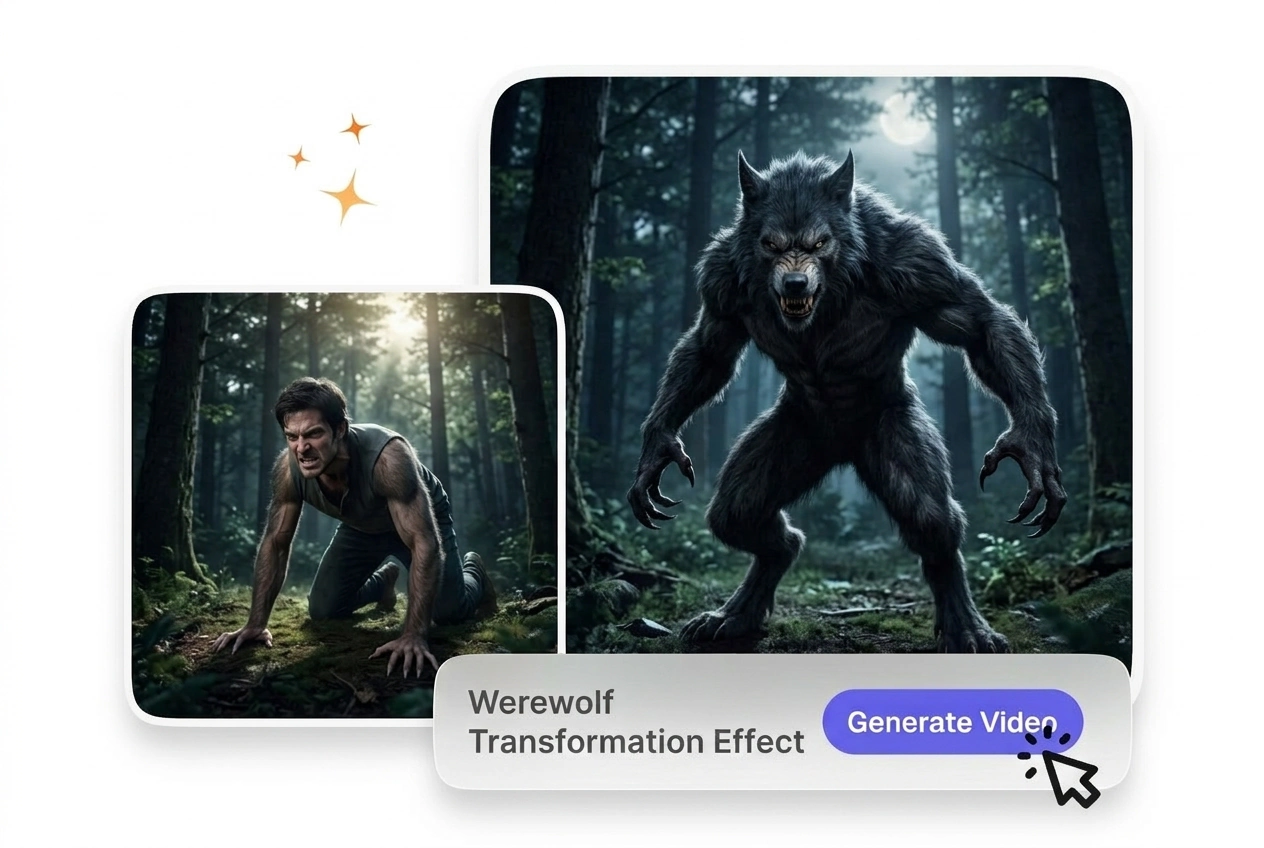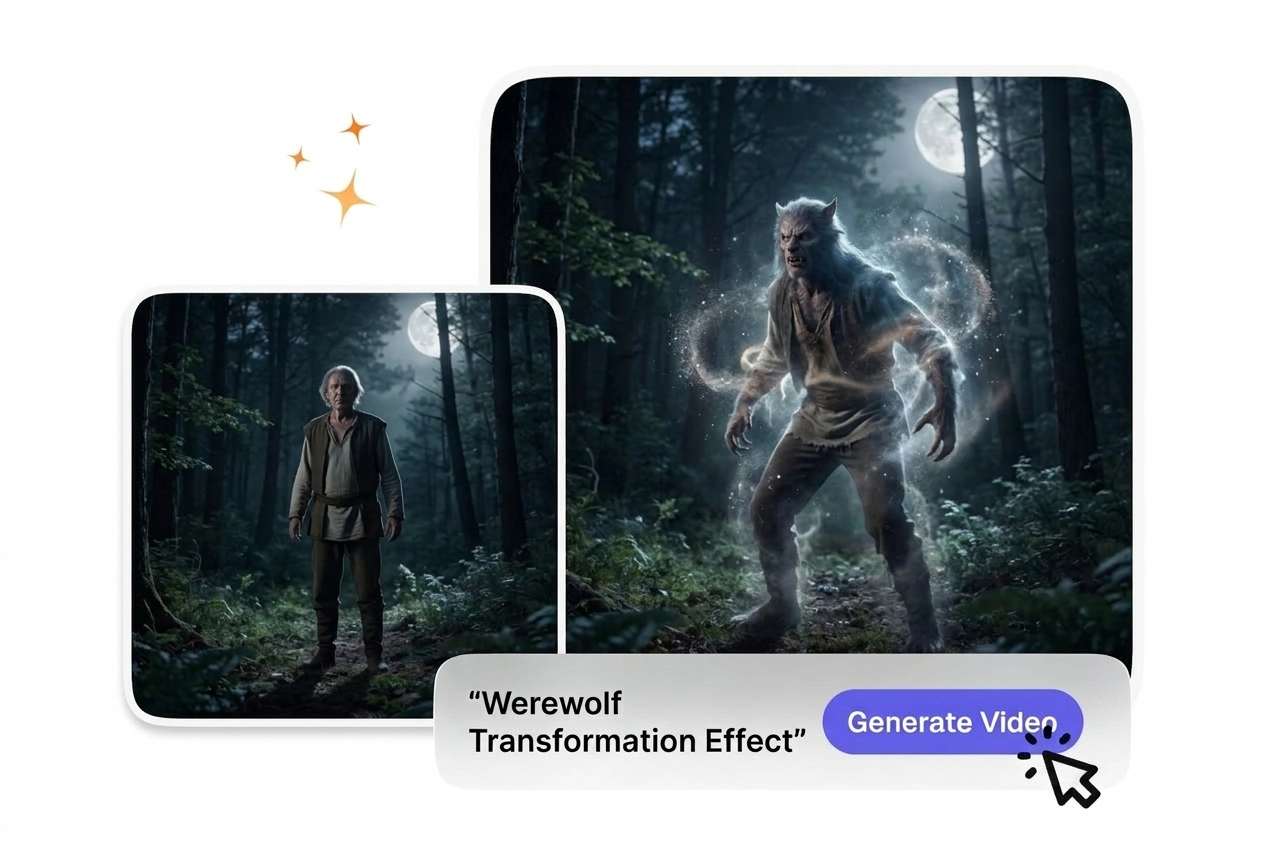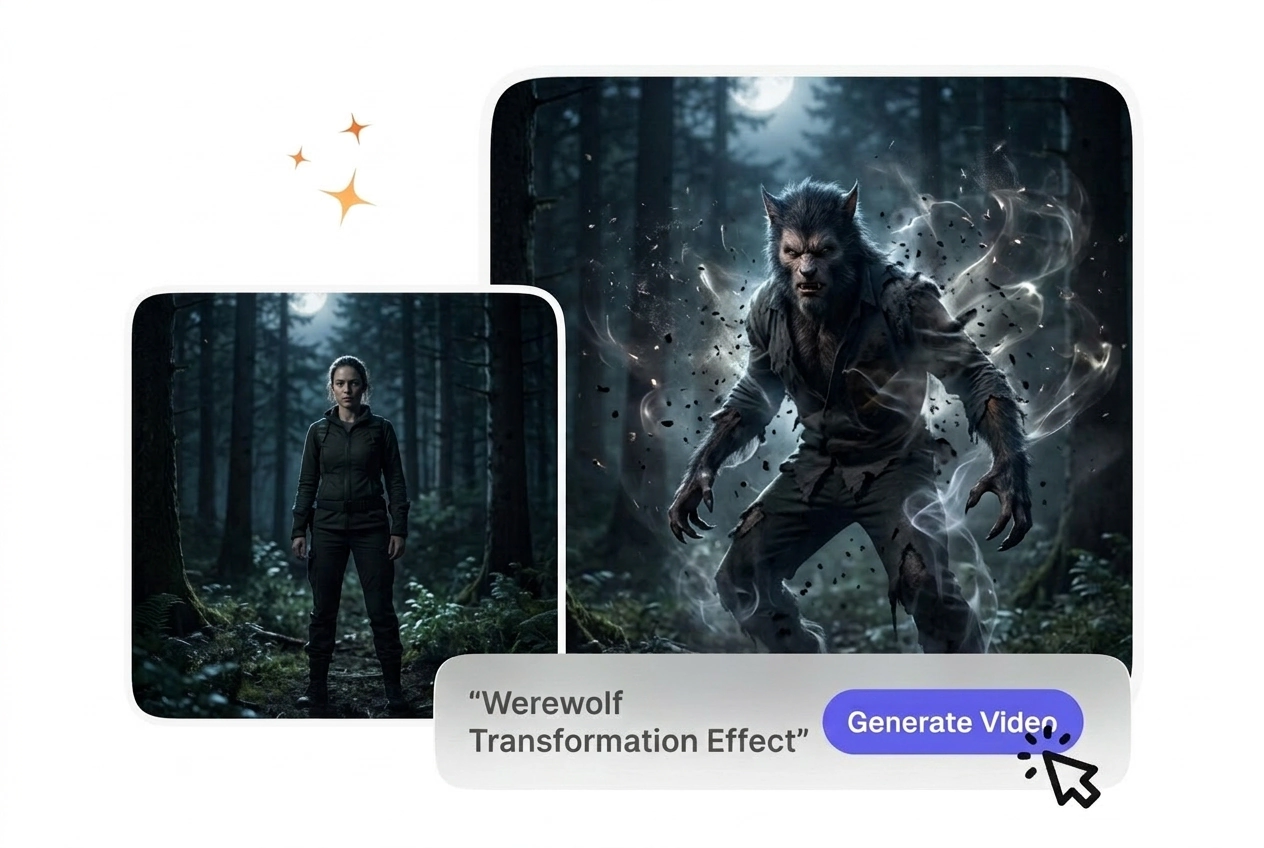
Free Werewolf Transformation Video Generator

Werewolf Transformation Effect turns a source clip into a staged creature change while keeping the original subject and motion as the base. Front facing footage with clear facial detail usually previews more accurately and exports with more stable transformation output.

Werewolf Transformation Effect Generator

VideoAI builds a realistic Werewolf Transformation Effect from your starting frame and text prompt. Clear facial features yield the most predictable morphing results.

Who Uses This Werewolf Transformation Effect

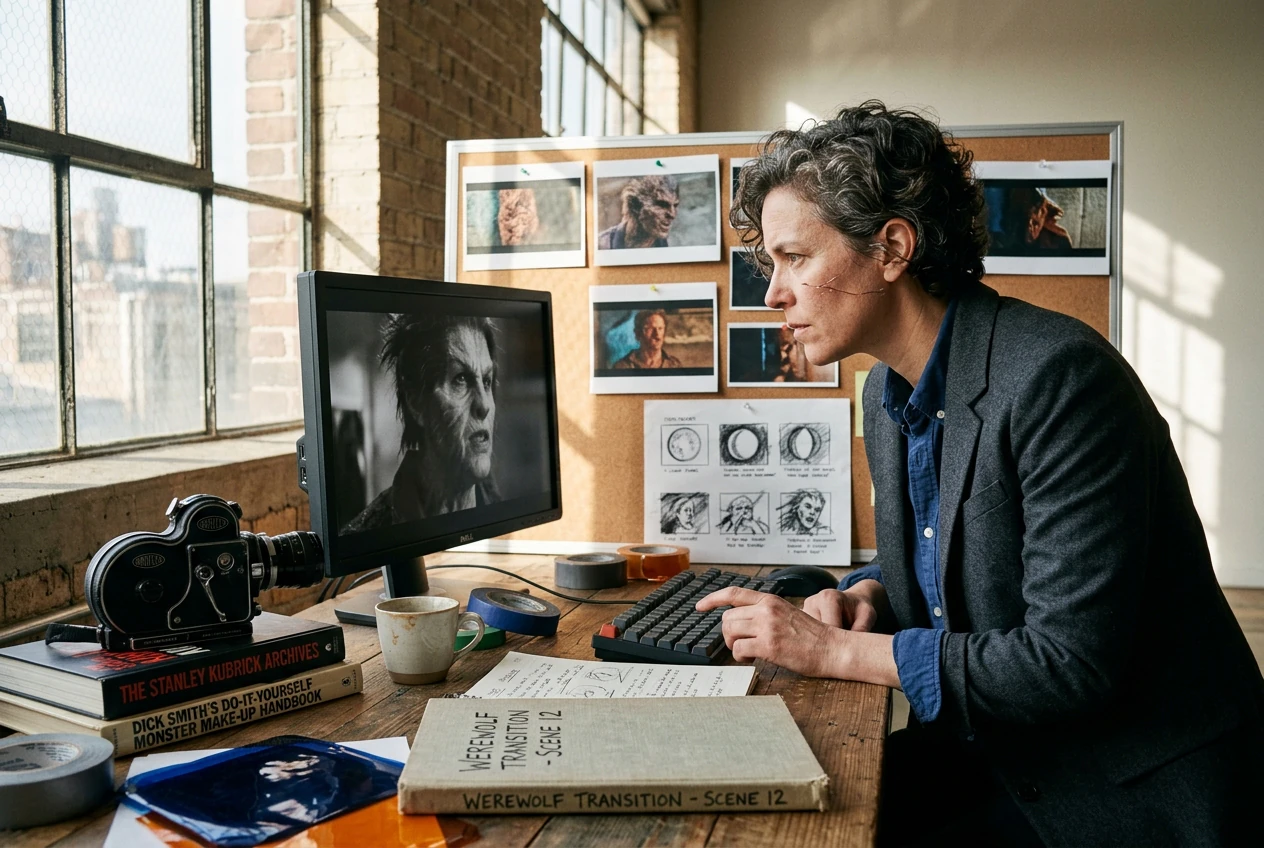
Horror short directors, indie game marketers, and fantasy content creators use this tool to generate predictable creature morphs without complex 3D rigging software.

Horror director using Werewolf Transformation Effect tool

Horror Short Directors

Independent filmmakers need practical looking creature changes on tight budgets. You upload a well lit actor frame, and VideoAI generates the sequence. This keeps your production moving while maintaining a consistent visual tone across your scary scenes.
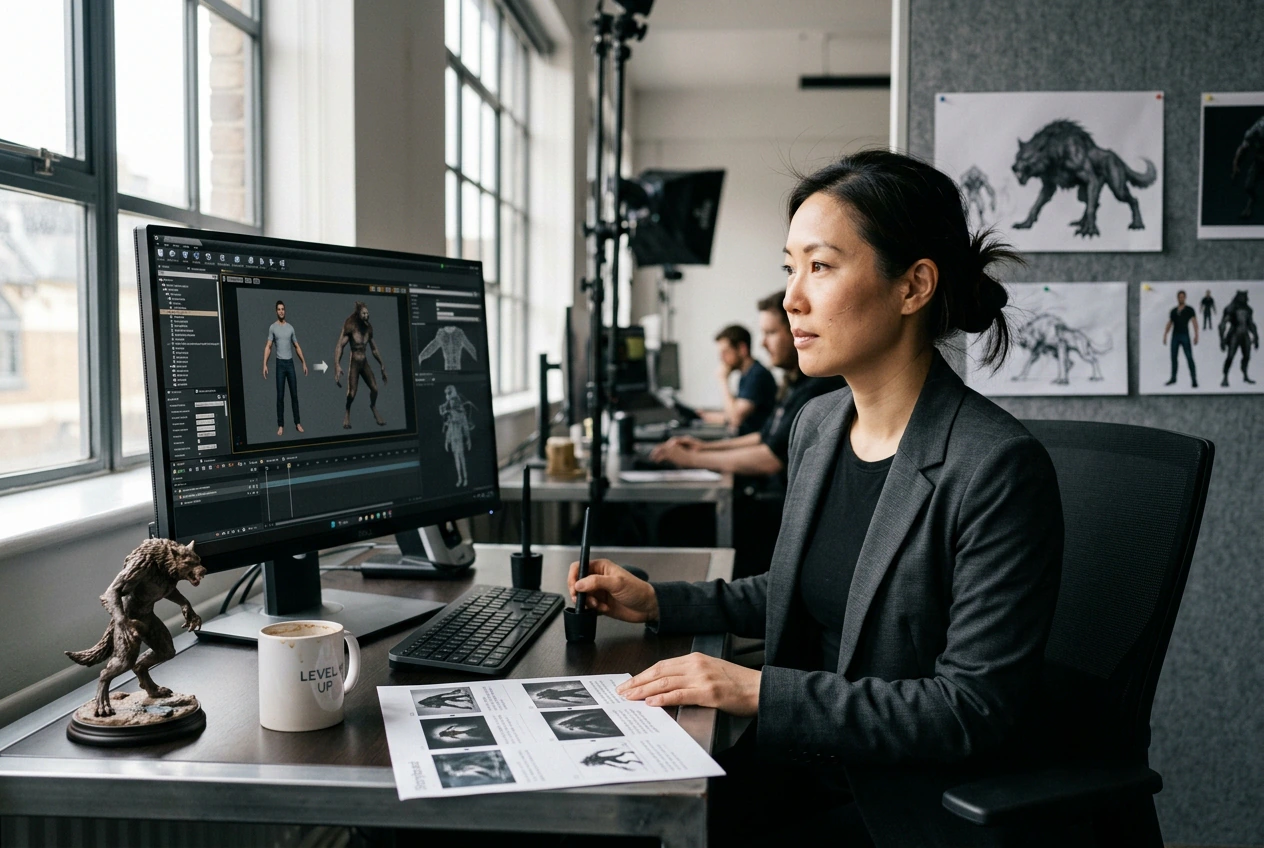

Game marketer creating Werewolf Transformation Effect asset

Indie Game Marketers

Promotional campaigns require eye-catching assets that explain character mechanics quickly. When you need a fast promotional clip, this generator provides a reliable wolf morph transition. The resulting video clearly demonstrates your character abilities to potential players.

Creator making full moon werewolf video online

Fantasy Content Creators

Social media channels thrive on engaging visual hooks and lore explanations. You type a descriptive prompt detailing the moonlit environment, so VideoAI matches the mood. This approach delivers a high-quality full moon werewolf video for your audience.

How to Make a Werewolf Transformation Effect Video

Upload your starting human portrait, define your desired creature traits in the prompt, and let VideoAI render the complete morphing sequence for you.

Step 1

Upload Starting Frame

You provide a clear portrait image as the base reference. VideoAI analyzes the facial structure and lighting, then prepares the exact foundation needed for a smooth lycanthrope transition AI sequence.

Step 2

Write Your Prompt

If you want specific fur colors or glowing eyes, describe them clearly in the text field. VideoAI reads these detailed instructions so the final generated output matches your exact creative vision perfectly.

Step 3

Generate and Export

You click generate, and the system processes the morphing animation based on your inputs. After that, you simply download the finished file to use in your preferred video editing software.

Features of the Werewolf Transformation Effect AI

VideoAI provides specific controls to shape your creature design. You adjust the pacing and visual details to match your exact storytelling requirements.

Customizable Fur Generation

VideoAI reads your text prompt to determine the length and color of the creature hair. You type your preferences, and the engine applies them during the morph. Werewolf Transformation Effect works best with highly descriptive text inputs.

Customizable fur generation in Werewolf Transformation Effect

Bone Structure Morphing

The system maps the facial landmarks of your starting human portrait to guide the anatomical changes. You do not need to manually plot tracking points. The resulting AI Werewolf Transformation Effect looks natural, provided the source face is clearly visible.

Bone structure morphing for Werewolf Transformation Effect

Adjustable Morph Pacing

When you need to match a specific audio beat, you can speed up Werewolf Transformation Effect sequences or slow them down. You select the duration before generating. Extreme slow-motion may require higher resolution source images for optimal clarity.

Adjustable morph pacing in Werewolf Transformation Effect

Atmospheric Lighting Control

VideoAI adjusts the environmental lighting based on your text prompt to simulate moonlight or dark forests. You describe the setting, and the tool blends the subject into that environment. Complex lighting works best with neutral starting portraits.

Atmospheric lighting control for Werewolf Transformation Effect

Werewolf Transformation Effect FAQ

No, VideoAI requires a still image as the starting frame to generate the animation. For the cleanest results, upload a high-resolution portrait with clear lighting. This ensures the AI video Transition generator accurately maps the facial features.

Try the Werewolf Transformation Effect Today

Upload your starting frame and see how VideoAI handles your creature concept. You can adjust the prompt and export your final file quickly.

Get Started