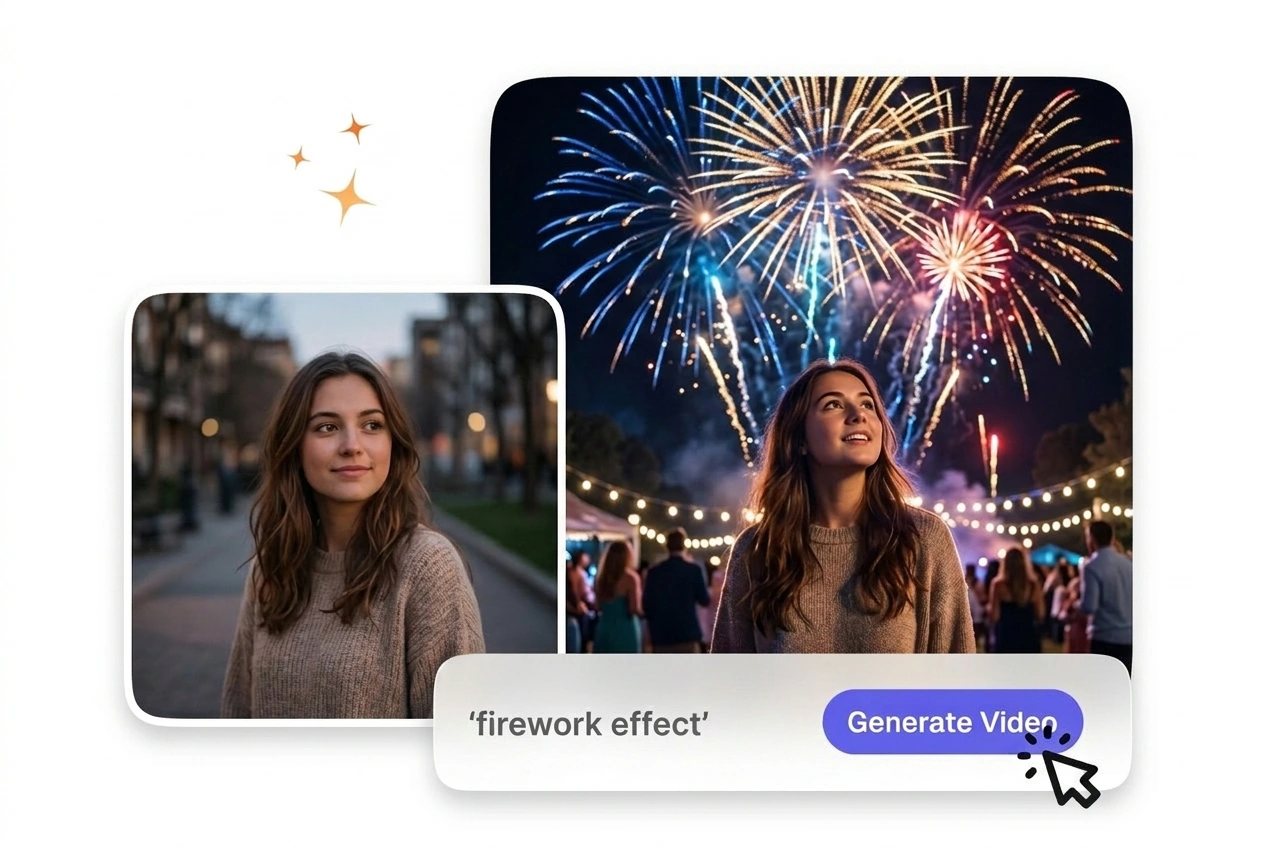
Free Firework Video Generator

A clear prompt paired gives Firework Effect enough structure to produce bright, controlled burst visuals. Footage with limited camera shake is easier to preview, and the exported output usually keeps edges and motion more coherent.

Generate a Firework Effect Online

VideoAI builds a bright particle video from your uploaded frames. You get a clean cut that keeps viewer attention on your subject.

Who Uses the Firework Effect

Event promoters and educators use this AI video Transition generator to connect distinct visual ideas. Predictable pacing helps maintain focus across scene changes.

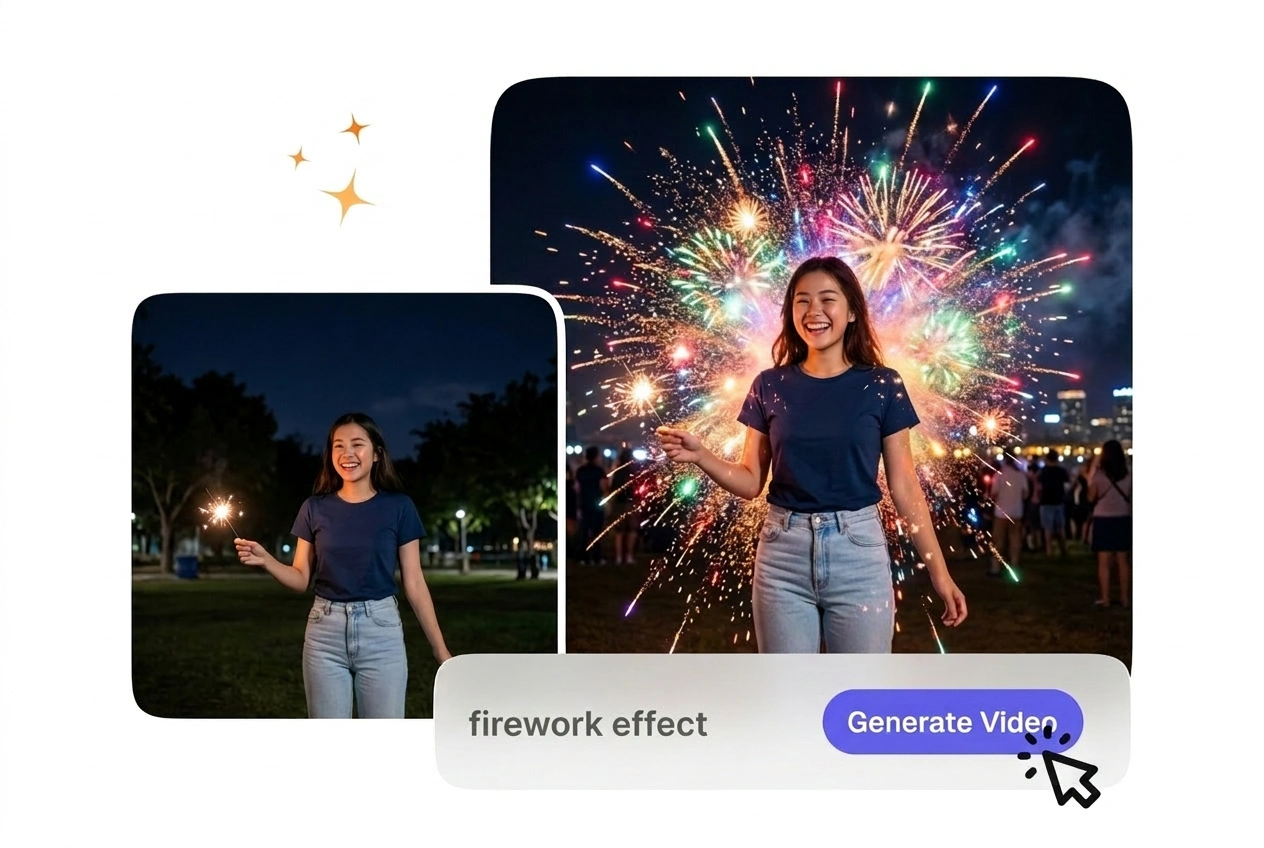
Creator using Firework Effect for simple edits

First Time Creators

New users often struggle with complex timeline settings. VideoAI provides a straightforward Fireworks transition from your basic text prompt. You export a usable file quickly without needing to adjust complicated keyframes or manual particle layers.


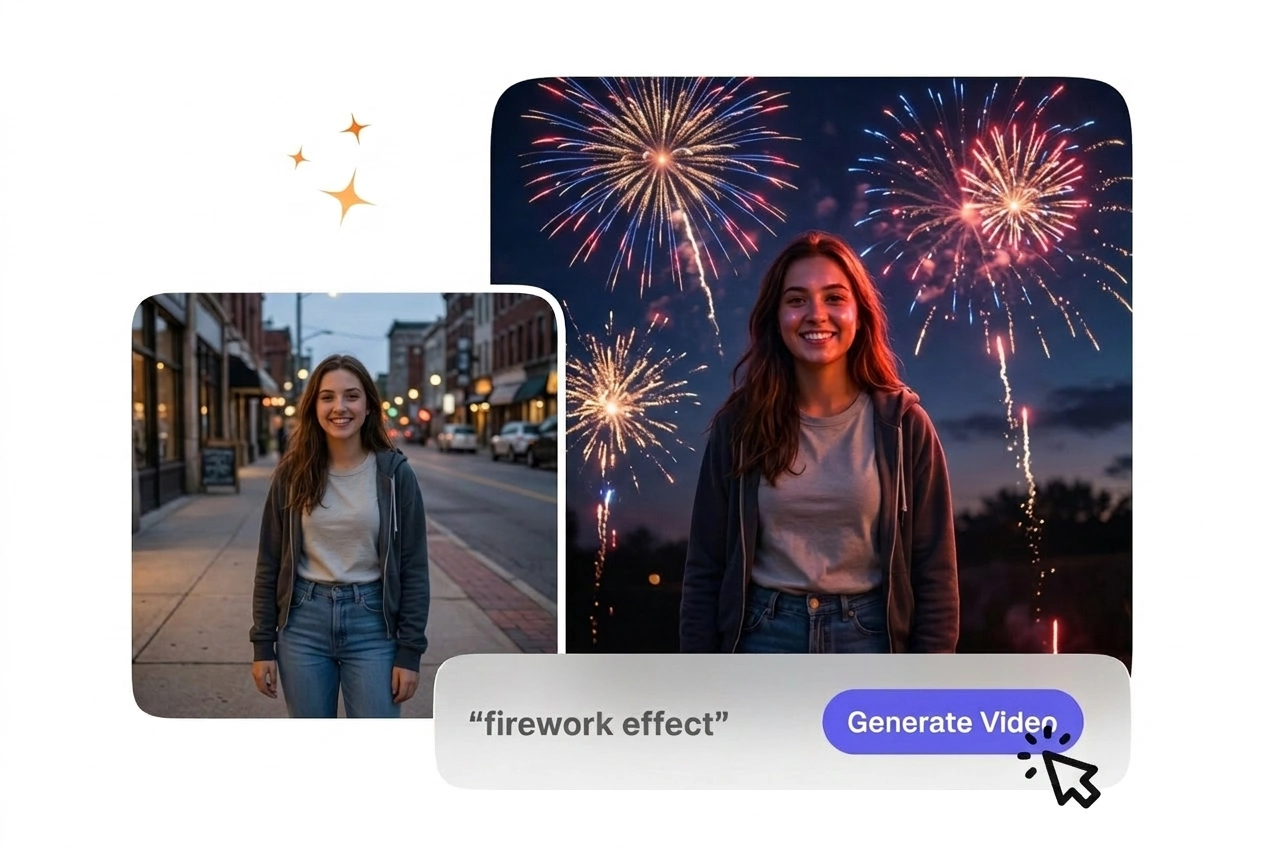
Business owner applying Firework Effect to products

Small Business Owners

Retailers need engaging product reveals for social media campaigns. A festive firework wipe connects your product images with professional polish. This keeps production costs low while delivering consistent visual quality for your weekly promotional posts.

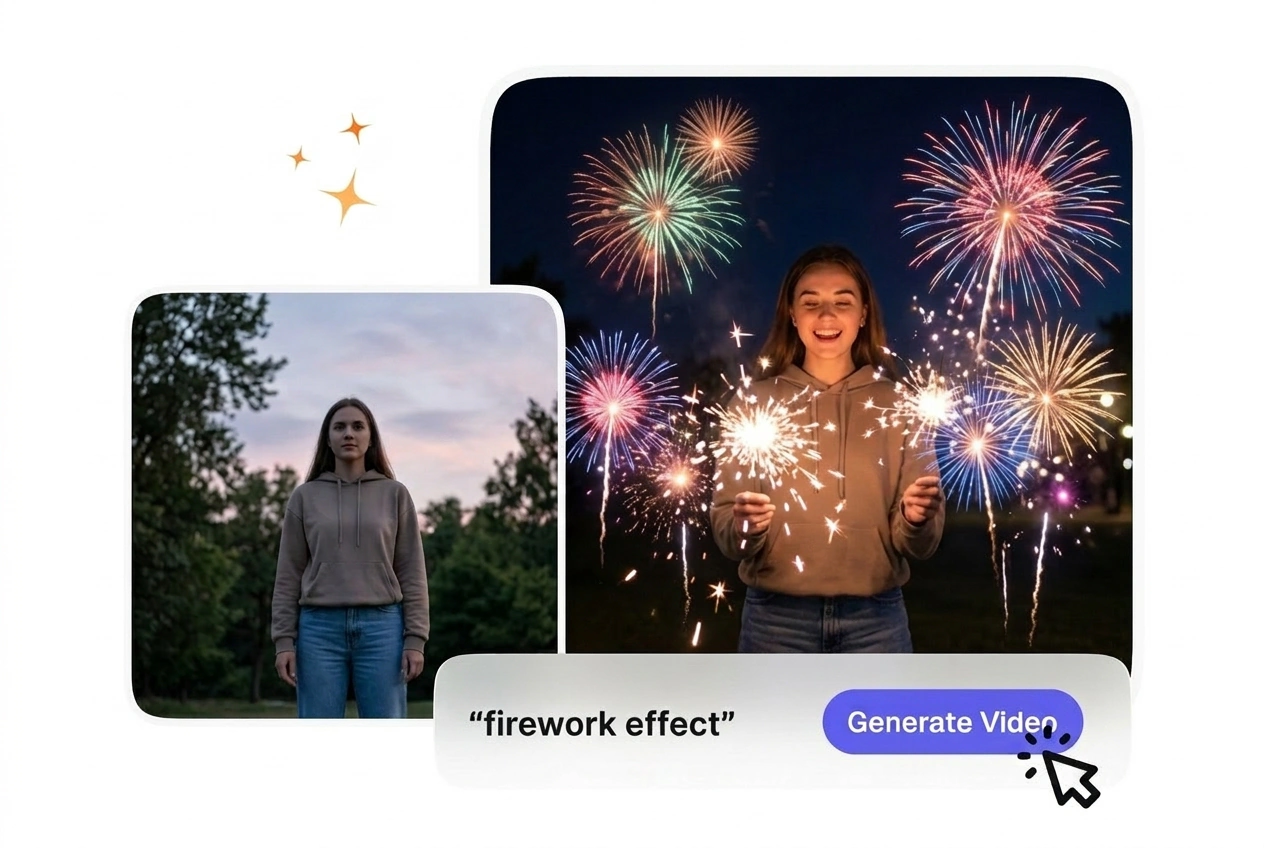
Educator adding Firework Effect to lesson slides

Explainer Video Editors

Instructional channels require motion that supports the lesson structure. The New Year fireworks effect video AI style highlights major topic shifts clearly. Controlled pacing ensures the visual change does not distract students from the core message.

How to Build a Firework Effect

Upload your static frames and let VideoAI handle the complex particle generation. You review the motion preview before exporting the final file.

Step 1

Upload Your Frames

You upload a starting image and an optional ending image so we can analyze the visual composition. After that, the system sets a baseline duration for the burst to prepare the transition path.

Step 2

Define the Prompt

If you want specific colors, type them into the prompt box so VideoAI reads your text. The engine then generates a matching night sky spark transition and updates the preview for your review.

Step 3

Export the Video

You confirm the settings and click generate so VideoAI can compile the frames into a smooth sequence. Then you simply download the completed file to use directly in your project.

Core Firework Effect Features

VideoAI gives you structured tools to manage particle behavior and timing. These features ensure your final export matches your initial creative intent.

Color Prompt Control

VideoAI adjusts the explosion palette based on your text descriptions. You type specific hues to match your brand guidelines exactly. When the prompt is highly detailed, the resulting sparkle bloom firework effect aligns closely with your vision.

Firework Effect color prompt control interface preview

Motion Pacing Adjustment

The engine scales the burst speed to fit your chosen duration. You select a slower pace for dramatic reveals or a fast pop for quick cuts. This firework effect works best with clear high contrast source images.

Firework Effect motion pacing adjustment timeline view

Scene Reveal Blending

VideoAI uses the fading embers to expose your second uploaded frame naturally. You do not need to mask the layers manually in another program. The Firework effect looks cleanest when the second image is well lit.

Firework Effect scene reveal blending before after

Particle Density Selection

The tool generates either sparse sparks or thick smoke based on your settings. You pick the density level before rendering the final file. A lighter density helps maintain focus on the underlying subject during the cut.

Firework Effect particle density selection visual comparison

Questions About the Firework Effect

Commercial use requires an active paid membership under our terms. Free access is for personal testing only, not for client work, paid ads, or resale. Open the pricing plan page for current commercial allowances.

Try the Firework Effect Today

Upload your starting frame and see how VideoAI handles the transition. You can test different prompt styles before downloading the final video.

Get Started