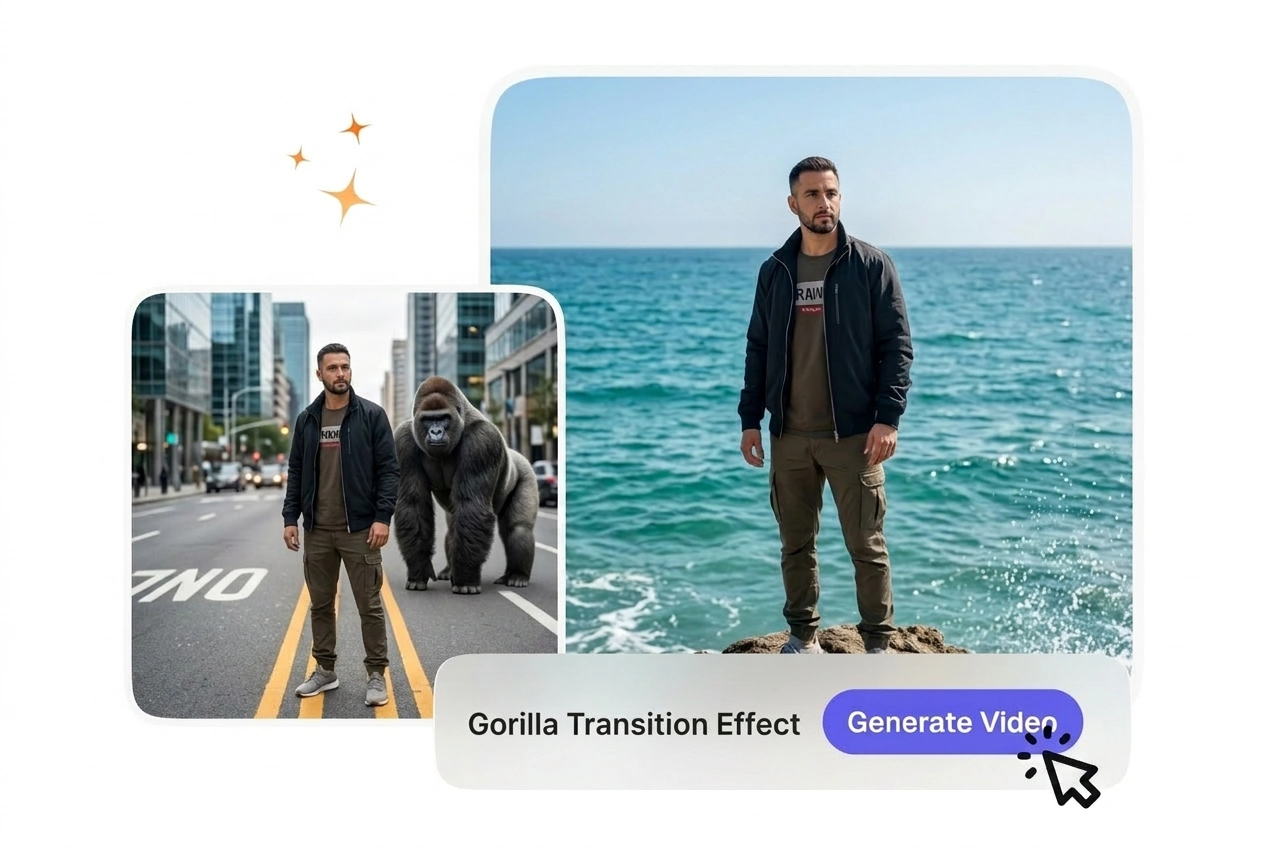

Free Gorilla Transition Video Generator

Gorilla Transition Effect turns a source clip into a forceful scene change by layering a gorilla themed transition over the footage. Steady framing and simple backgrounds usually render more predictably and make preview results easier to evaluate.

Gorilla Transition Effect for Video

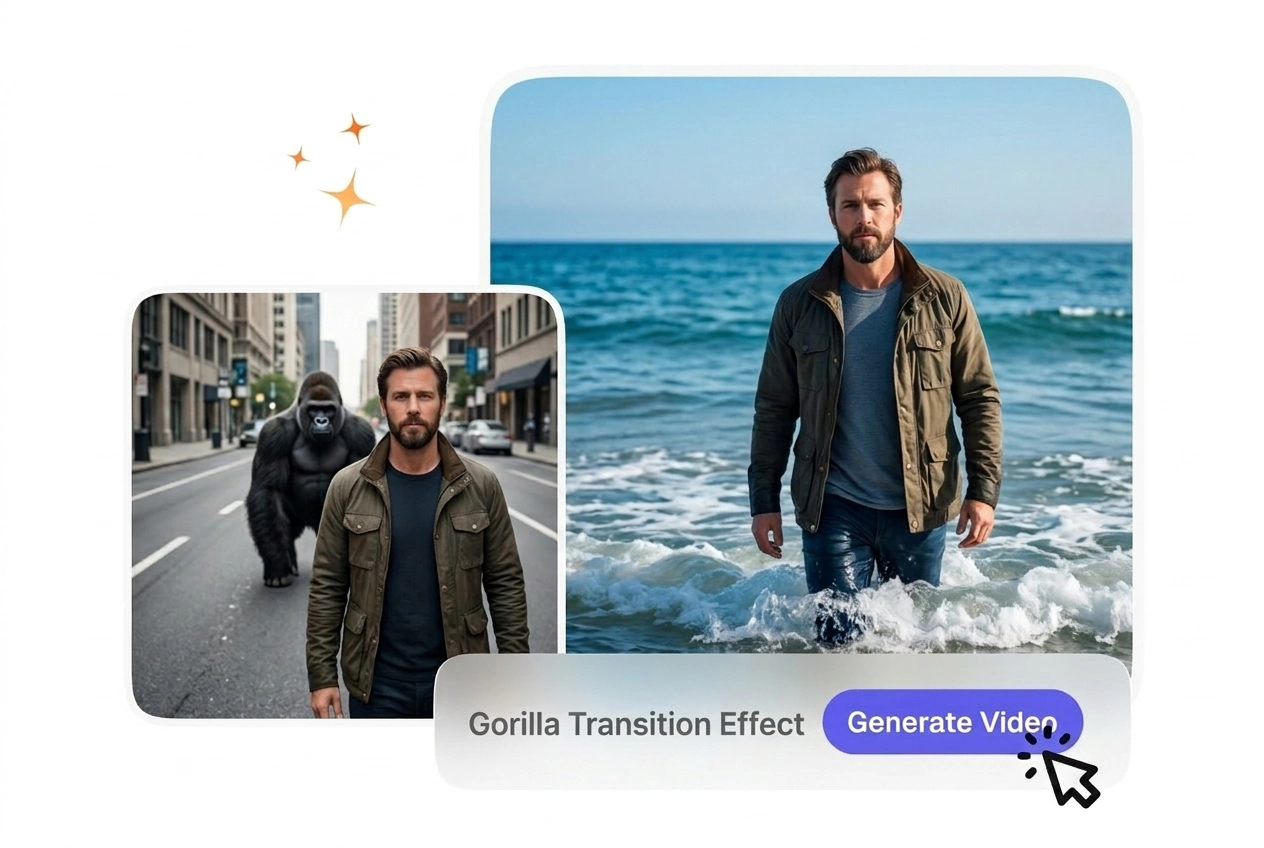
Create dynamic gorilla transition effects that bridge your scenes with raw, primal motion. Upload your start and end frames, describe the interaction you want, and get a polished AI gorilla transfer video ready to drop into your edit.

Who Uses Gorilla Transition Motion

The gorilla transition effect works for creators who want bold, memorable scene breaks without spending hours on manual animation or effects work.

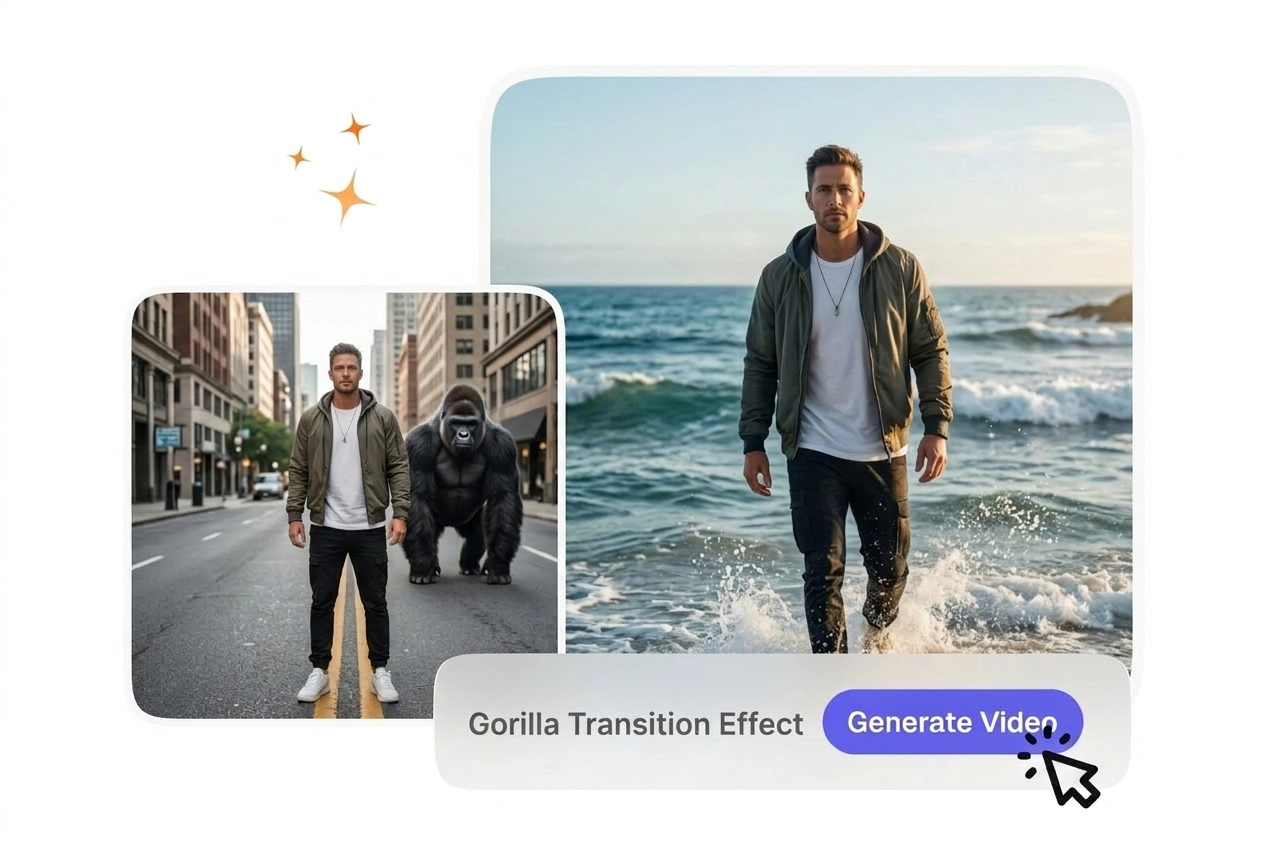
Action editor using Gorilla Transition Effect for video

Action Editors

Action and sports editors need transitions that match the energy of their footage. The gorilla transition motion delivers raw power and momentum between cuts, so your pacing stays aggressive and your audience stays locked in. You upload your frames, set the intensity in your prompt, and the AI gorilla transfer video lands the beat every time.

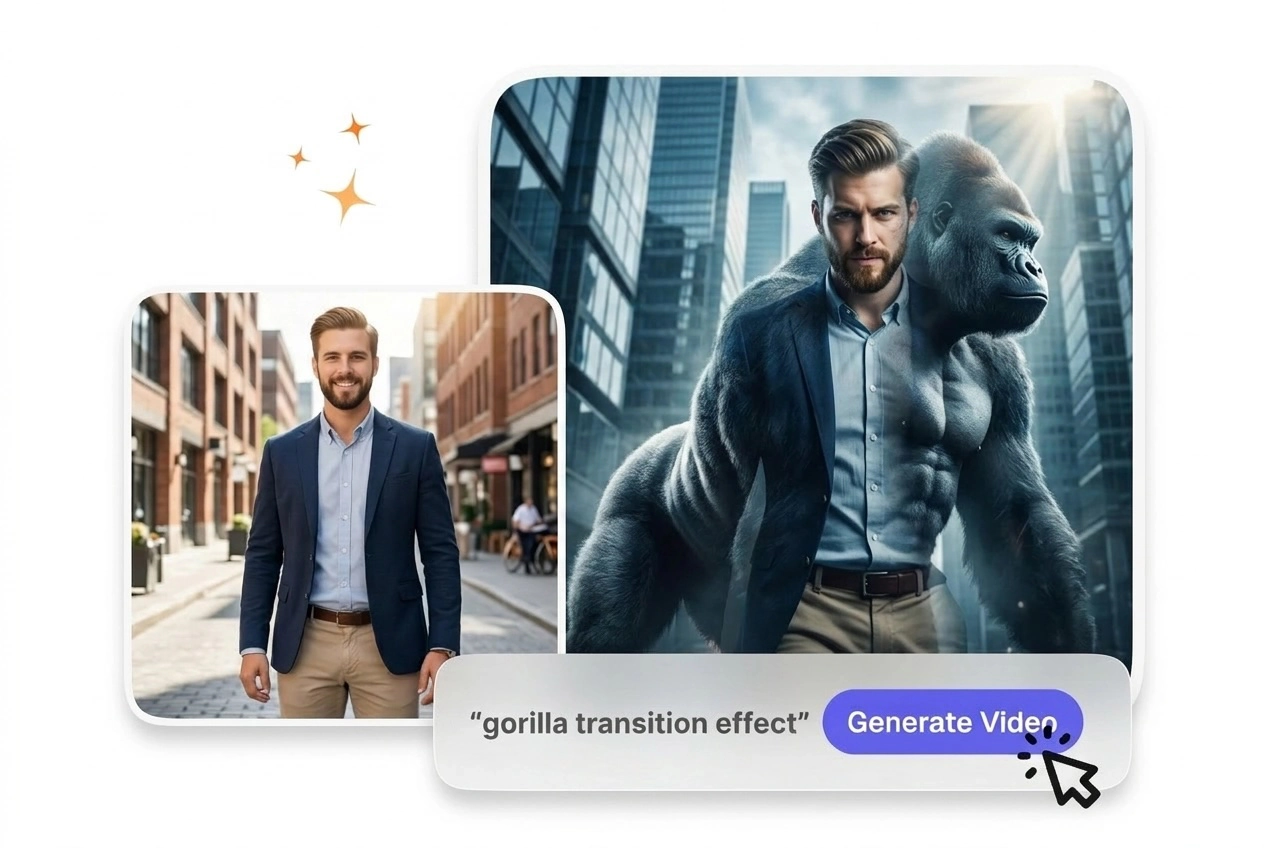
Gaming creator with Gorilla Transition Effect video

Gaming Content Creators

Gaming channels thrive on quick, impactful cuts between gameplay clips and commentary. A gorilla transition effect adds personality and visual punch without slowing down your upload schedule. You get a free gorilla transition video in one pass, then move to the next scene. Most creators finish a full edit in half the time traditional effects would take.

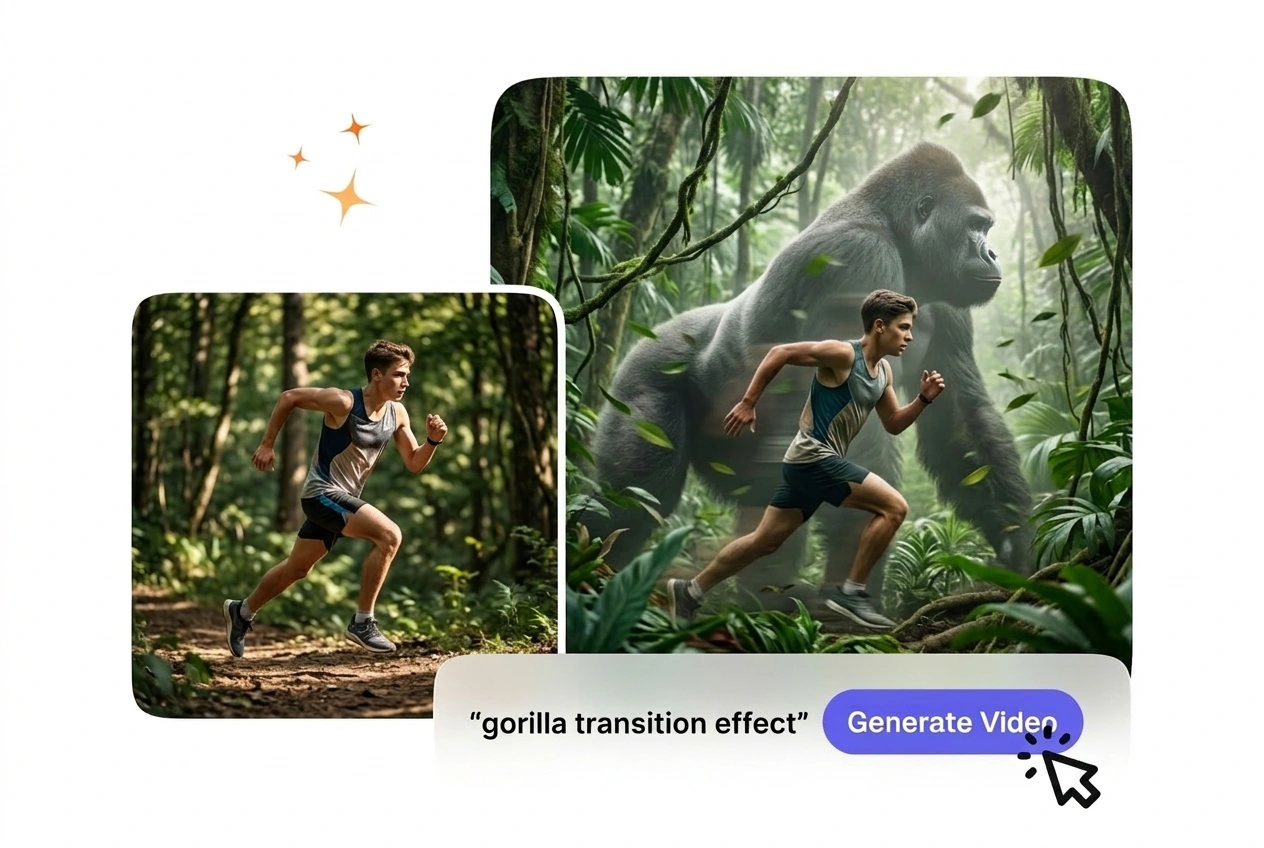
Promo maker creating Gorilla Transition Effect video

Promo and Trailer Makers

Promotional videos and trailers need transitions that grab attention and convey intensity. The best gorilla transition video effect combines motion and presence, making your product or service feel bold and unforgettable. You control the pacing and tone through your prompt, so every transition reinforces your message without overshadowing the content.

How to Create Gorilla Transition Effect

Three simple steps take you from frames to finished gorilla transition video. No animation experience needed, just clear frames and a clear idea of the motion you want.

Step 1

Upload Frames

Select your start frame and end frame from your source footage. These frames define the scene boundary where the gorilla transition motion will land. Make sure both frames are well-lit and show clear subject positioning so the AI gorilla transfer video can build smooth motion between them.

Step 2

Write Your Prompt

Describe the gorilla interaction and energy you want. Say something like 'gorilla pounds chest and swings between frames' or 'gorilla charges through the transition.' Your prompt guides the intensity and style of the AI transition effect. More specific prompts yield more predictable results.

Step 3

Generate and Export

Click generate and preview your gorilla transition video in seconds. If the motion lands the way you want, export in your preferred format and drop it into your timeline. If you want to adjust pacing or intensity, tweak your prompt and regenerate without starting over.

Gorilla Transition Effect Features

Built-in tools help you control every aspect of your gorilla transition motion, from frame alignment to export settings, without learning new software.

Motion-Aware Framing

The tool reads the position and lighting of your start and end frames to build a gorilla transition effect that connects them naturally. You don't need to match lighting or angles perfectly; the AI gorilla transfer video adapts to your source material. Works best when your frames show clear subject boundaries and distinct lighting zones.

Motion-aware framing in Gorilla Transition Effect

Prompt-Driven Intensity

Control the energy and style of your gorilla transition motion entirely through your text prompt. Describe the speed, gesture, and tone you want, and the AI adjusts the effect to match. If your prompt is vague, the output may feel generic; specific language like 'aggressive chest pound' yields sharper results than 'gorilla moves.'

Prompt control for Gorilla Transition Effect video

One-Click Export

Once your gorilla transition video preview looks right, export in MP4, WebM, or your timeline's native format without extra steps. Most creators finish a best gorilla transition video in under five minutes from upload to export. No rendering queue, no hidden settings to tweak.

Export Gorilla Transition Effect video instantly

Free Gorilla Transition Video Trial

Try your first gorilla transition effect at no cost and see how the AI gorilla transfer video handles your specific frames and prompt. You get a full-quality preview before committing to a subscription. This lets you test the tool on your actual footage and decide if the style fits your edit.

Free Gorilla Transition Effect trial with VideoAI

Gorilla Transition Effect Questions

You can upload PNG, JPG, or WebP frames as your start and end images for the gorilla transition video. Ensure your frames are at least 720p for clean output. When your source frames are high-resolution and well-lit, the AI gorilla transfer video quality improves noticeably. Most creators use screenshots or exported frames from their editing software.

Try Gorilla Transition Effect Free

Upload your frames, write your prompt, and see your first gorilla transition video in seconds. No credit card, no long setup, just instant AI gorilla transfer video generation.

Get Started