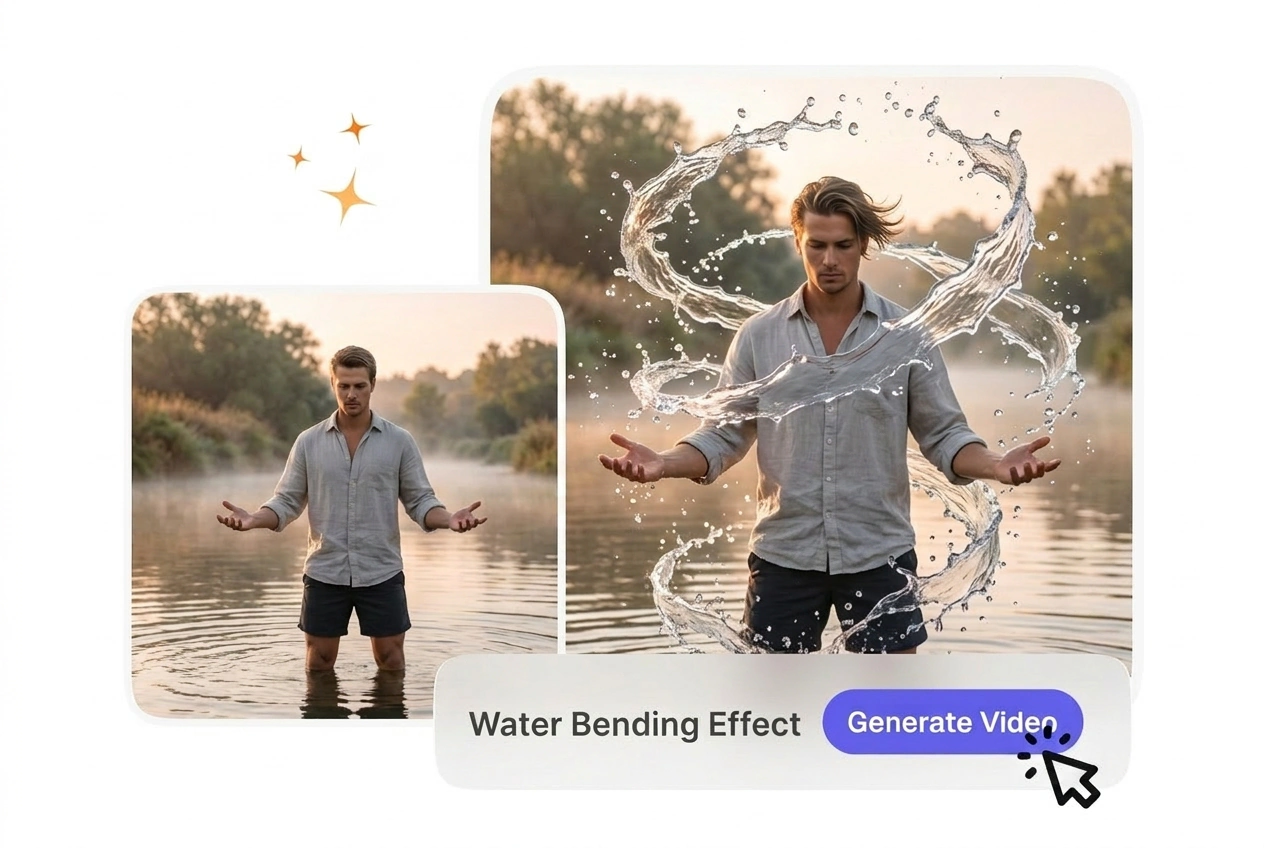

Free Water Bending Video Generator

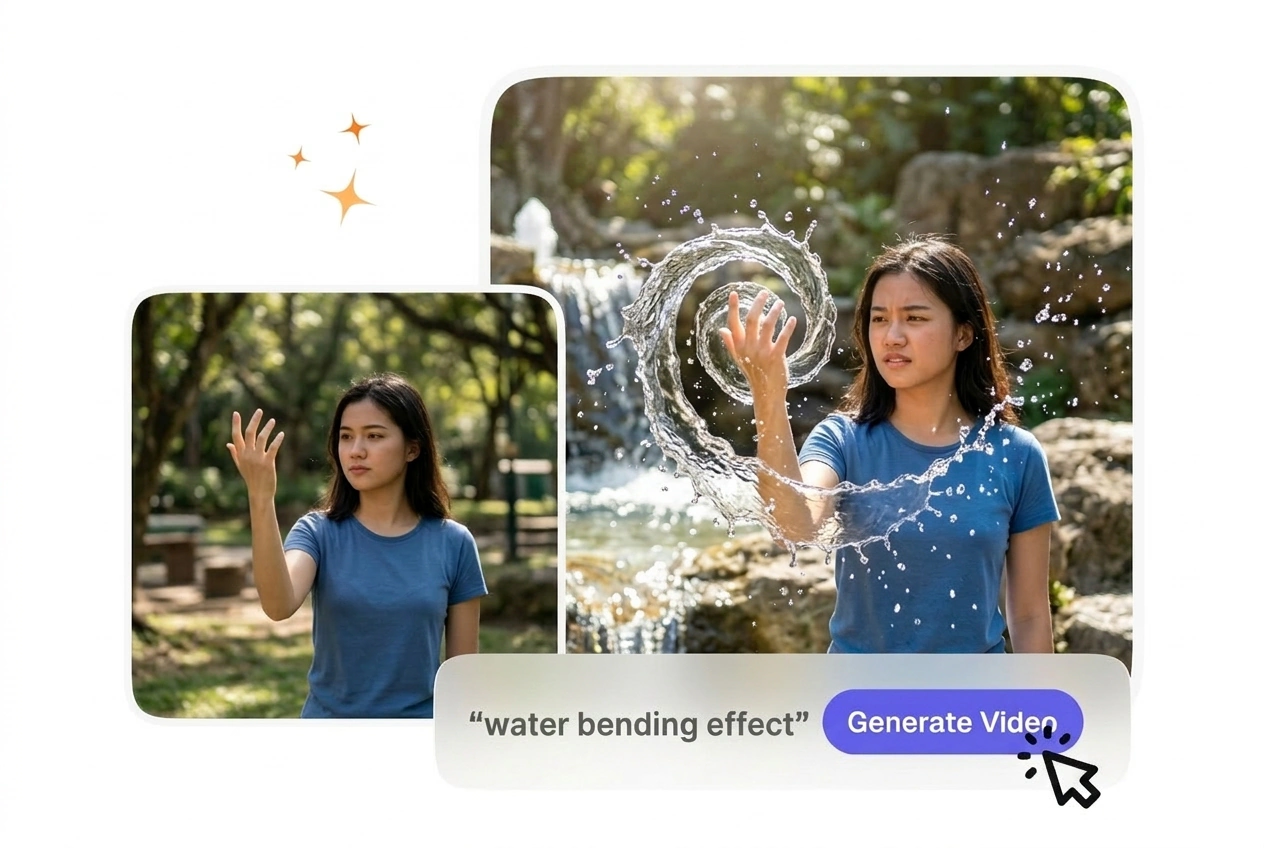
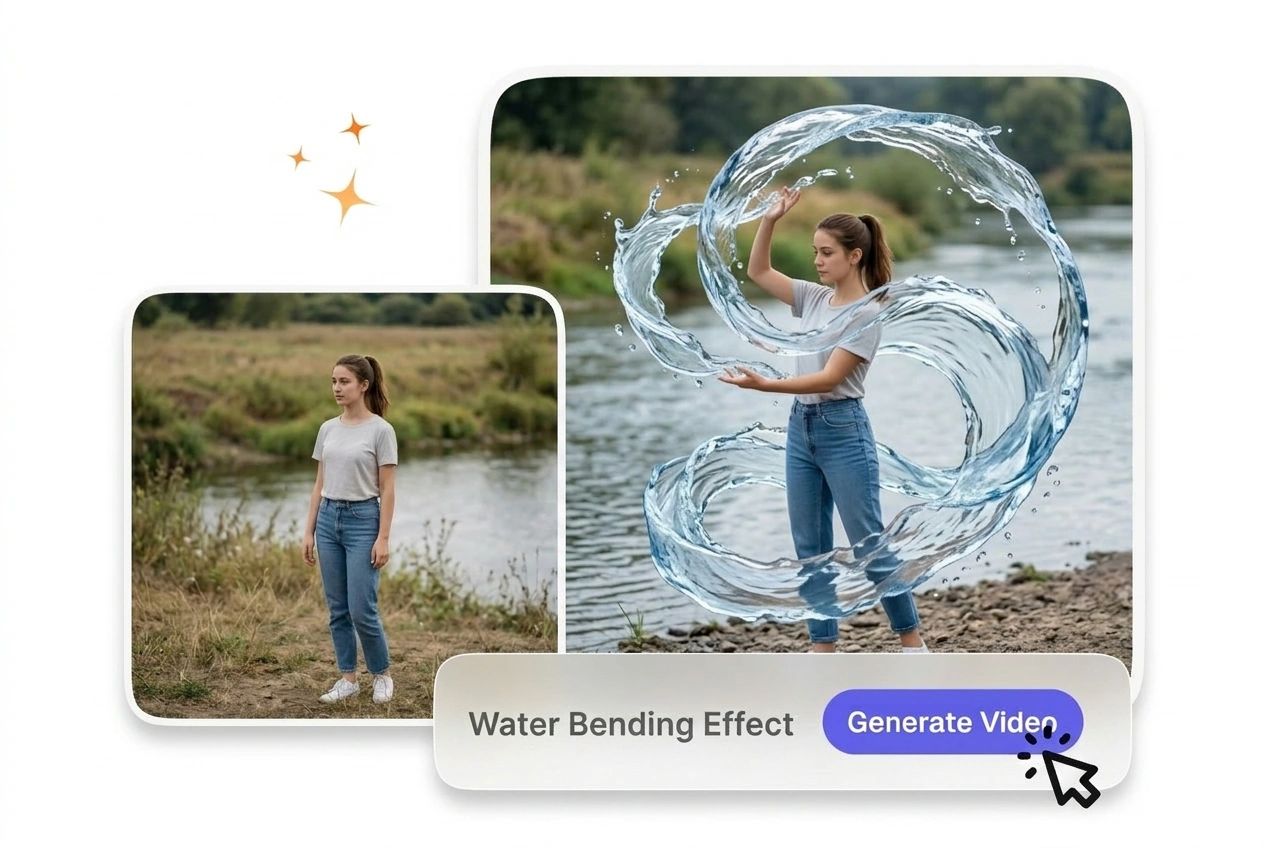
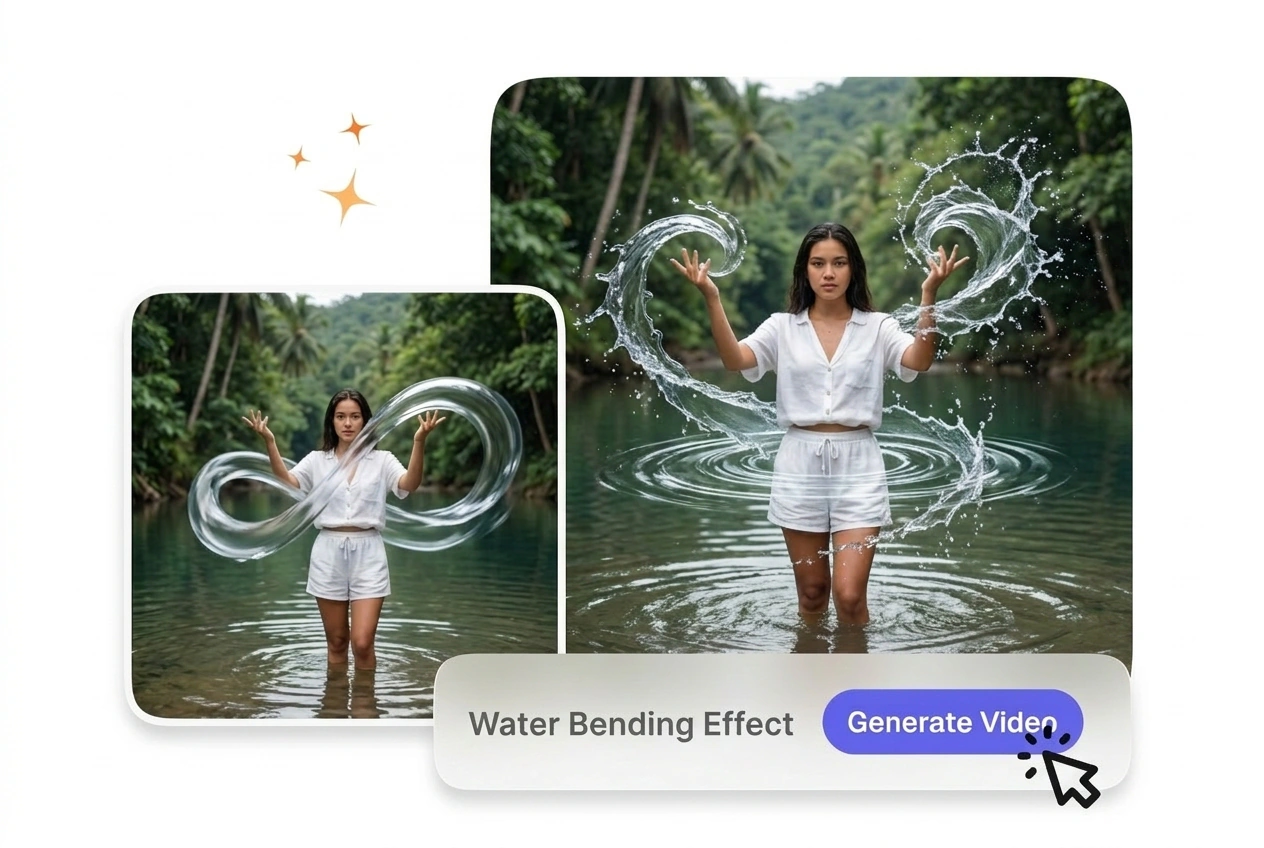
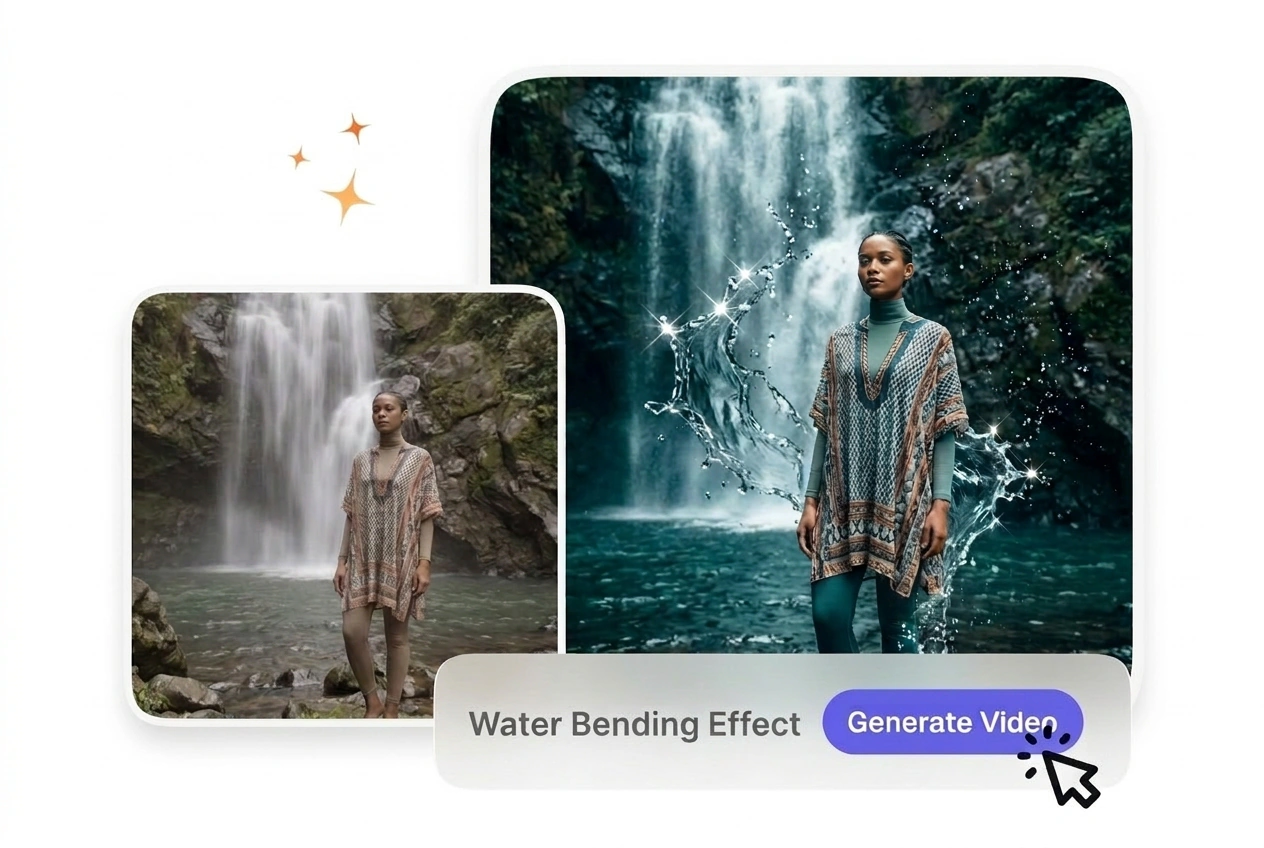
Water Bending Effect turns a source clip into flowing visual motion by adding controlled water like warping across the frame. Steady footage and moderate settings usually render more predictably and make preview results easier to judge before export.

Create Your Water Bending Effect

VideoAI generates a fluid Water Bending Effect from your start frames. You control the liquid motion, so the final output matches your creative vision.

Who Uses This Water Bending Transition

Different creators need predictable fluid motion for their projects. You set the parameters, and the tool handles the complex liquid animation between your frames.

New user trying Water Bending Effect online

New AI Users

New users often struggle with complex animation settings. You upload two frames and select a preset water bending effect style. The system generates the connecting motion, giving you a clean result without requiring manual keyframe adjustments.


Educator applying Water Bending Effect to lesson

Explainer Channel Editors

Educational content requires visual changes that maintain viewer focus. You apply a water bending effect between lesson segments to keep the pacing steady. The resulting motion guides the eye naturally without distracting from your core message.

Business owner using Water Bending Effect tool

Small Business Owners

Product showcases need engaging visuals to stand out on social feeds. You input your product images and a text prompt to create dynamic liquid motion. This workflow delivers professional quality quickly, keeping your weekly posting schedule intact.

How the Water Bending Effect Works

You provide the visual boundaries, and the engine calculates the fluid path. Follow these steps to set up your sequence and export a clean file.

Step 1

Upload Your Frames

You upload a start frame and an optional end frame to define the scene. VideoAI reads these images to establish the spatial boundaries, so the liquid motion knows exactly where to begin.

Step 2

Define the Motion

You type a text prompt describing the fluid behavior and select your preferred speed. If your prompt is highly detailed, the engine maps the water dynamics more accurately across the generated sequence.

Step 3

Review and Export

VideoAI processes the inputs and provides a preview of the generated clip. You review the water bending effect, then adjust the export settings or download the final file for your timeline.

Water Bending Effect Features

Our water bending effect AI generator gives you specific controls over the animation. You adjust the settings to ensure the output matches your project requirements perfectly.

Fluid Dynamics Control

VideoAI shapes the water flow based on your text prompt and selected parameters. You adjust the intensity slider to dictate how aggressively the liquid moves. Works best when your start frame features a clearly defined central subject.

Water Bending Effect fluid dynamics control panel

Motion Speed Presets

The system offers different velocity options for the generated animation. You select a preset to match the pacing of your overall project. When you choose a slower speed, the engine renders more detailed ripples and splashes.

Water Bending Effect motion speed preset selection

Directional Flow Mapping

This feature guides the liquid from the start frame toward the end frame. You define the path using simple text commands before generating the clip. Complex backgrounds can sometimes confuse the mapping, requiring a tighter text prompt.

Water Bending Effect directional flow mapping preview

Resolution Upscaling

VideoAI enhances the final output to maintain crisp details in the water texture. You choose your desired export quality before downloading the file. High-resolution exports take slightly longer to process but deliver a much cleaner final image.

Water Bending Effect resolution upscaling quality comparison

Common Water Bending Effect Questions

No, VideoAI requires static images like a start or end frame to generate the sequence. This ensures the hydro motion video AI accurately calculates the fluid path. Creators use this to build precise transitions between two distinct static scenes.

Start Your Water Bending Effect

Upload your frames and see how our AI video Transition generator handles your concept. You can test the settings and export your first clip today.

Get Started