Free Air Bending Video Generator

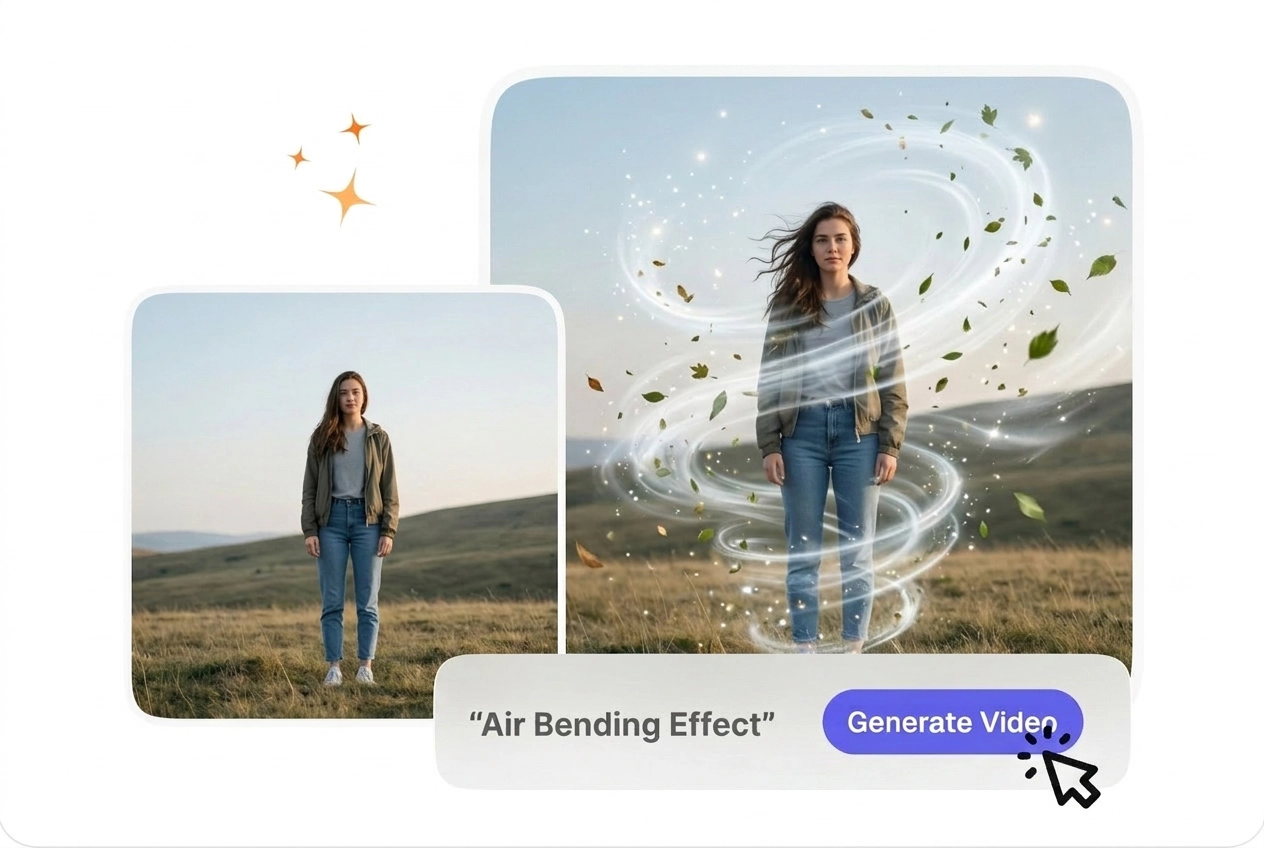
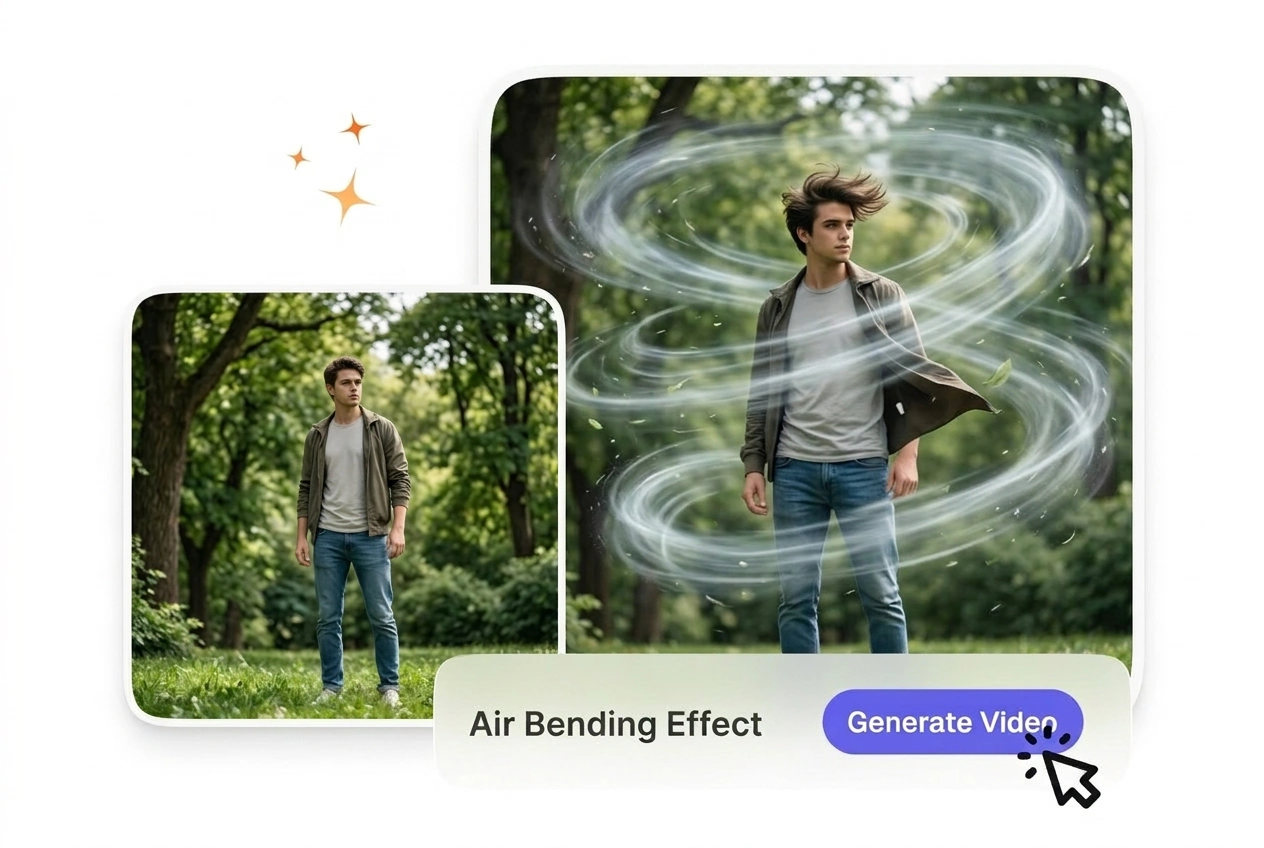
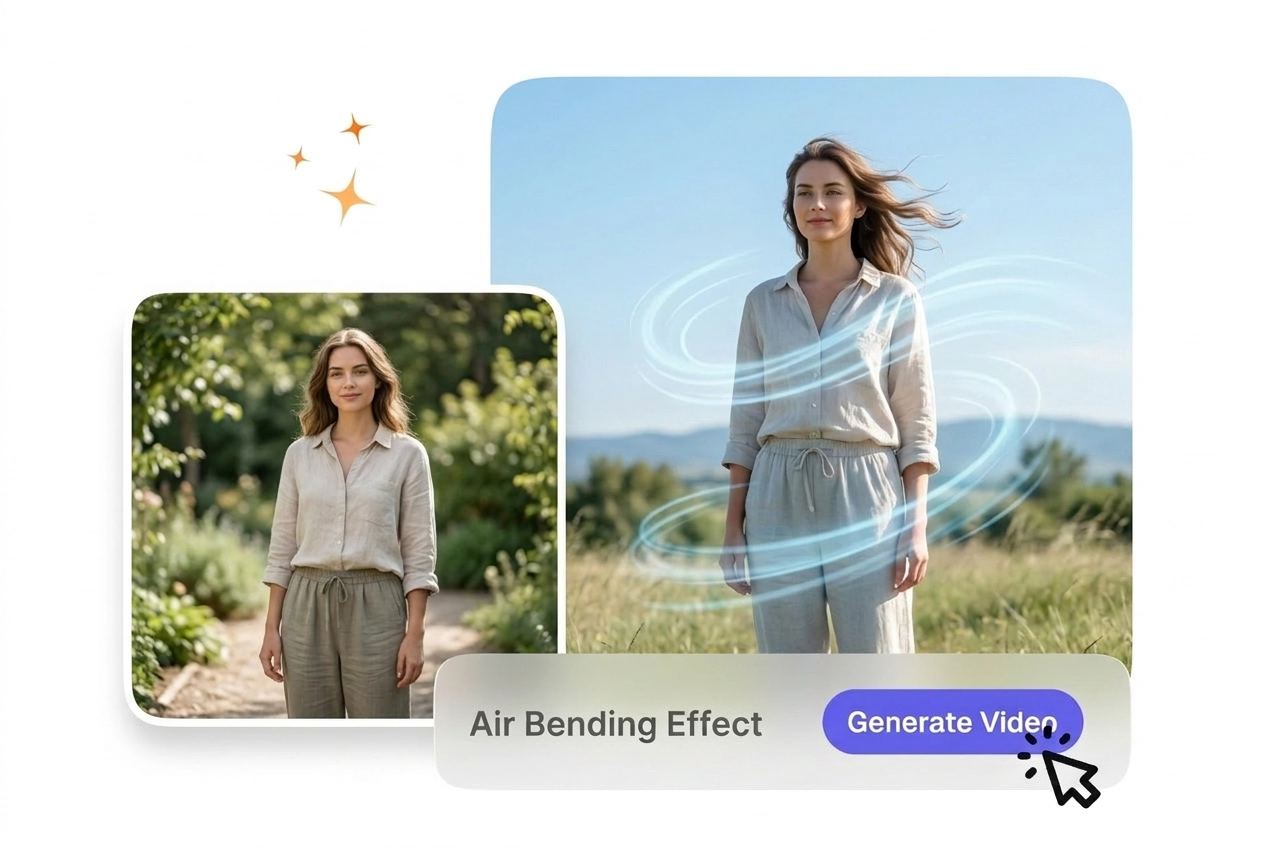
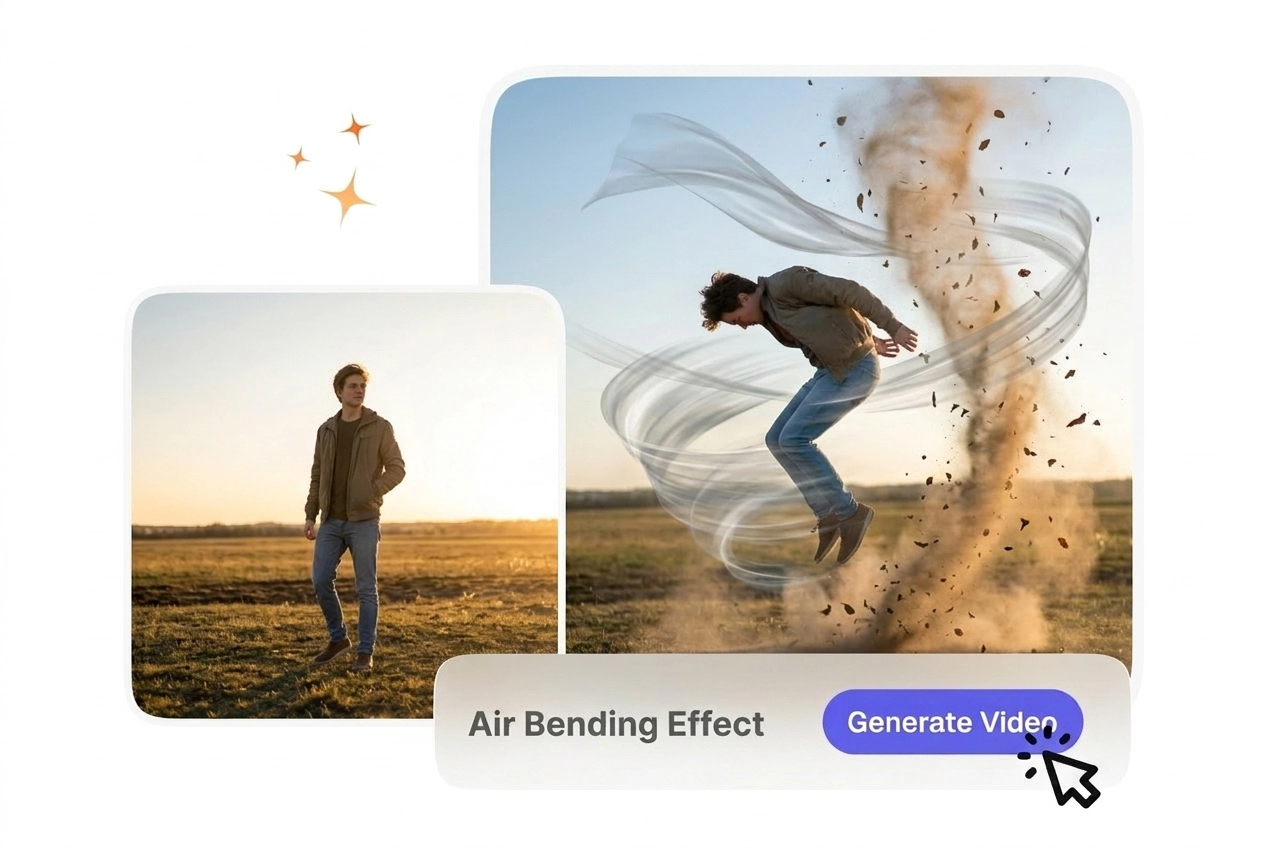
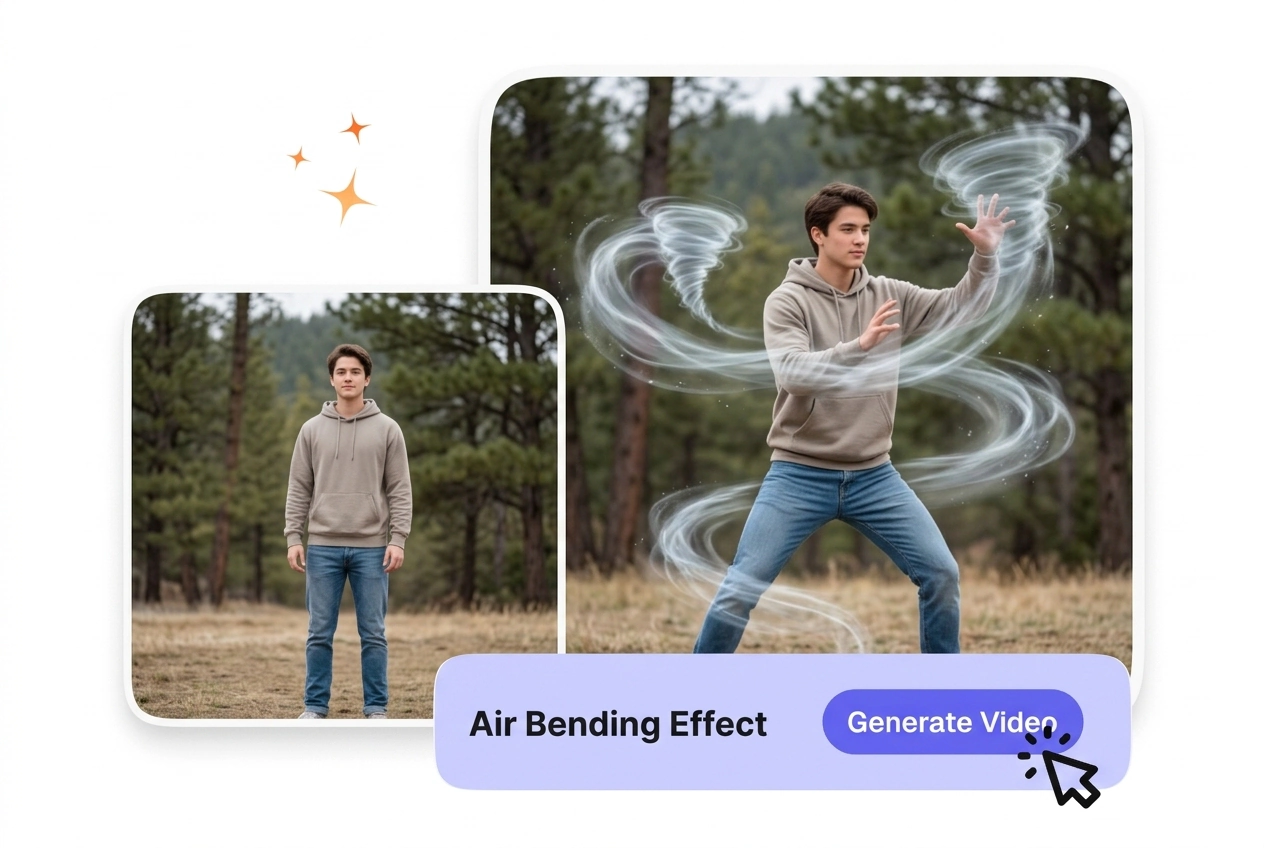
For footage that needs a stronger sense of directional motion, Air Bending Effect creates an air driven visual layer over the original clip. Centered subjects and limited camera shake usually produce cleaner preview results and more consistent export output.

Air Bending Effect Made Simple

Upload frames, one motion prompt, and VideoAI renders the air bending transition. If air bender or air bend trend checks matter, use default 1080p first.

Who Uses Air Bending Effect

Editors, teachers, and creators use air bending when they need polish without deep VFX stacks, wind bending trials, or slow trials on timelines.

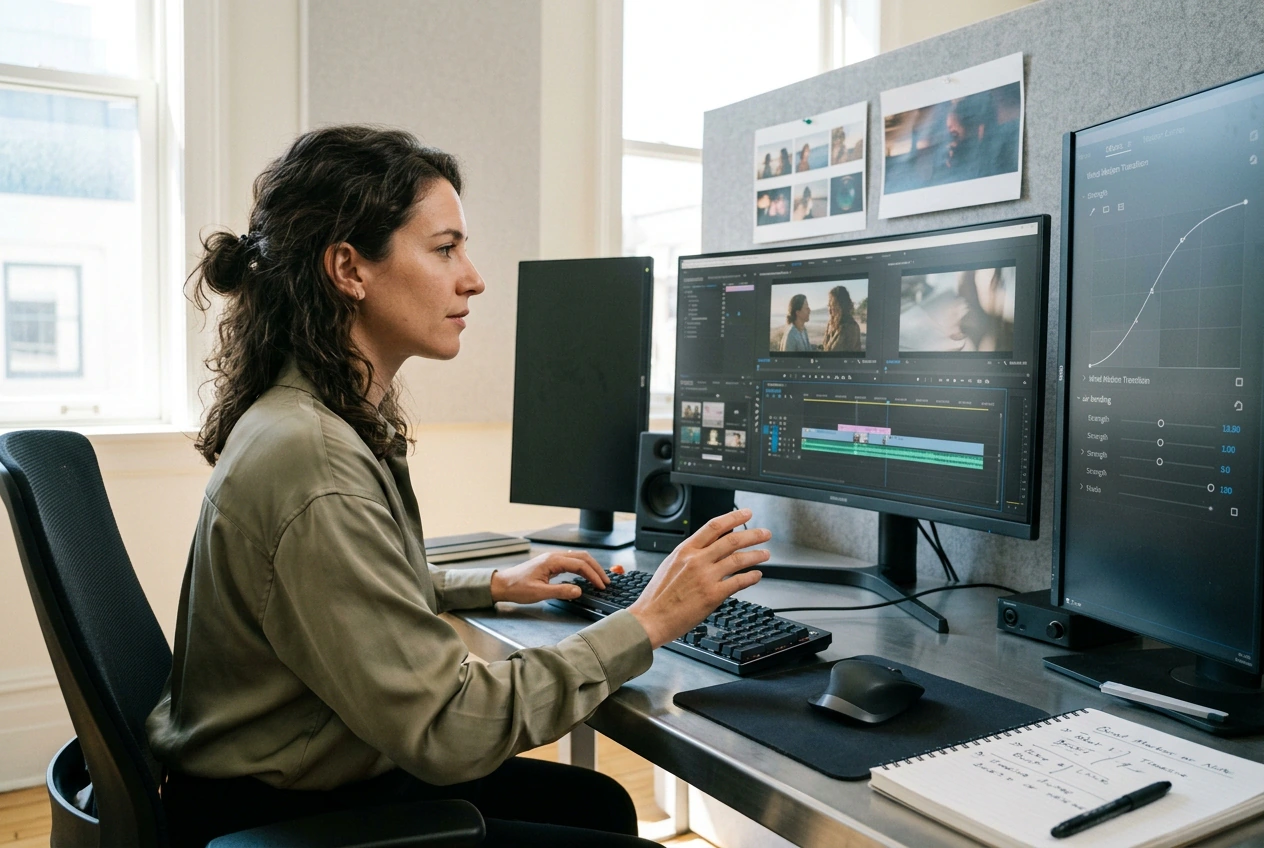
Action editor using Air Bending Effect for video

Action Editors

Fast cuts need light transitions without rigging. Air bending bridges two frames with wind motion matching beats. You upload pairs, set strength in the prompt, and place clips on timelines. It fits fight reels using free AI air bending effect.
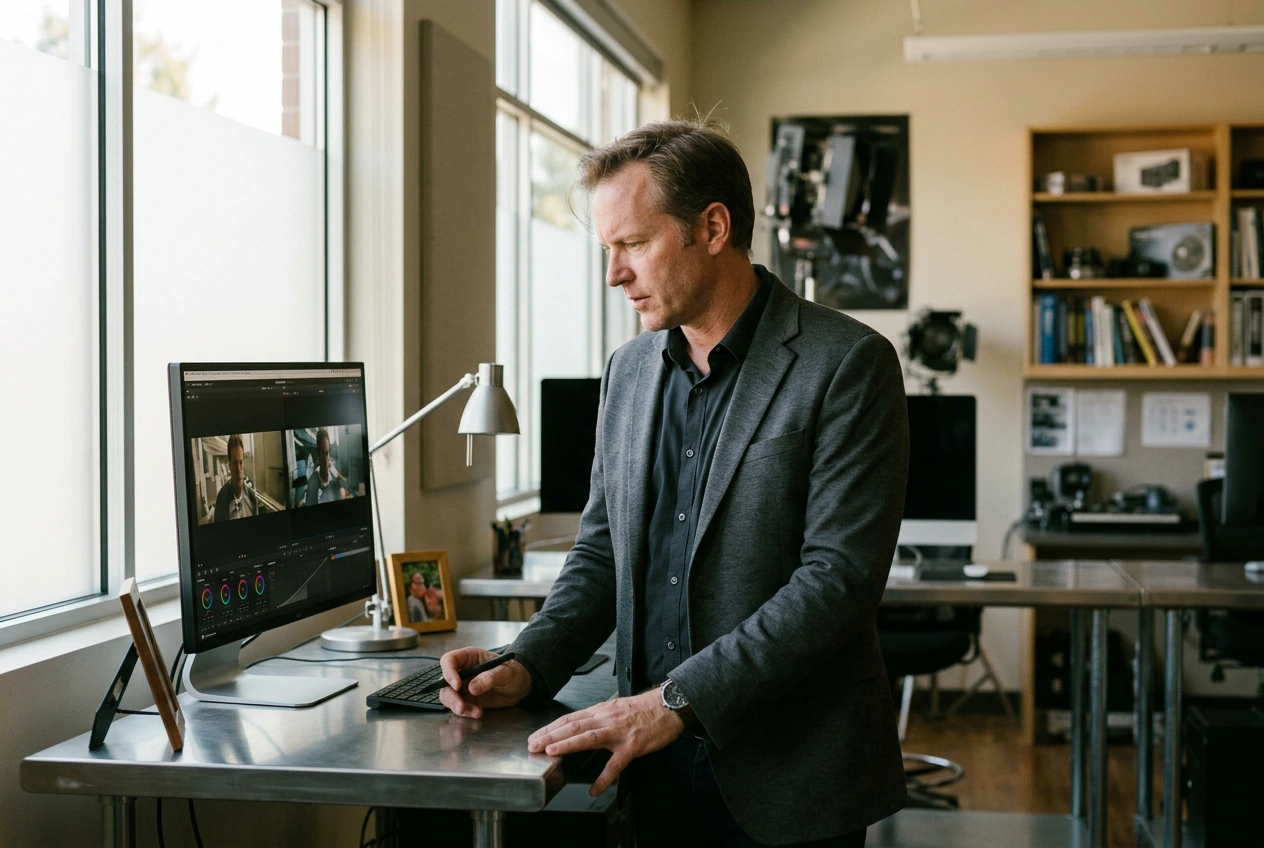
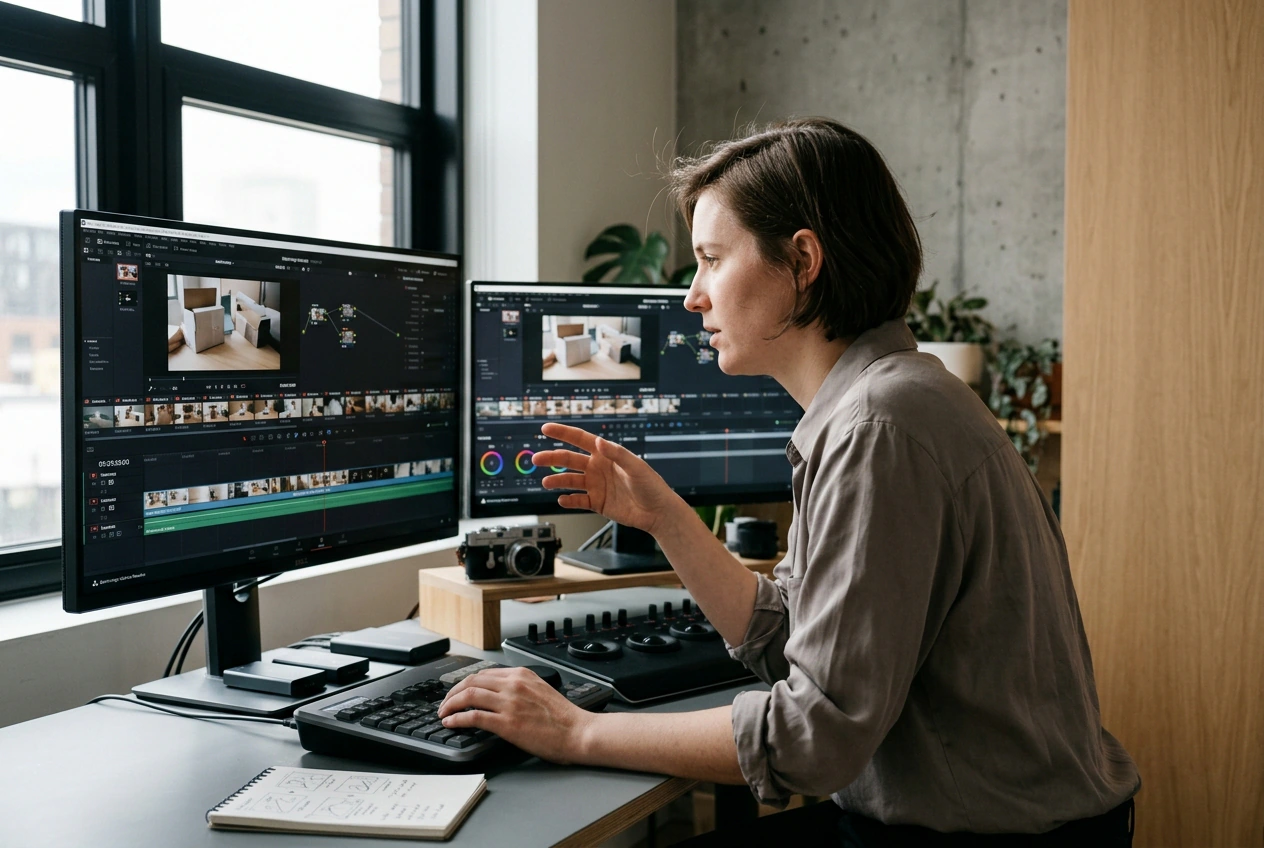
Educator demonstrating Air Bending Effect transition

Visual Effects Teachers

The same prompt across two frame pairs shows students how input shifts path and timing. Clear edges and stable lighting keep classroom compares honest. Most lessons stay under ten minutes from upload to clip. Students learn prompts need concrete direction.

Brand creator using Air Bending Effect product

Product Video Makers

Weekly posts rarely allow deep edit work. Air bending adds a reveal between still frames so unboxing clips feel finished. Describe the path once, export, and publish. Well-lit frames still beat vague prompts for best AI air bending effect looks.

How Air Bending Effect Works

Three steps finish air bending clips in VideoAI: upload stills, write prompts, generate, export. Speed up air bending transition passes when you lock duration early.

Step 1

Upload Frames

Pick start and end frames that share lighting and scale. VideoAI anchors motion from both edges for the air bending transition. Skip the end frame only when you want open dissolves.

Step 2

Write Your Prompt

State direction, speed, and energy in plain words, naming drift or burst when it matters. Pick duration and resolution for social feeds or longer pans. Honest cues cut second passes on the same frame pair.

Step 3

Generate Export

Run generation, confirm preview timing, then save MP4 or WebM for your NLE. Preview and export share pacing so sync stays tight. One-second jobs finish fast at moderate quality on first tries.

Air Bending Effect Features

Controls stay grouped so air bending effect iteration stays visible. Each block answers AI video transition generator questions with AI transition free clarity.

Prompt-Driven Motion

If you name drift, spiral, or burst, the model maps motion curves before blending frames. Specific air bending transition language trims retakes versus vague breeze lines. The UI nudges you when intensity feels flat. Two short clauses beat long lists.

Air Bending Effect prompt-driven motion control

Frame Continuity

VideoAI aligns edges across the pair so subjects do not tear mid-move. Call lighting jumps in text for softer seam handoff. Preview shows the seam before pixels lock. Air bending motion reads weak when backgrounds fight between stills.

Air Bending Effect frame continuity demonstration

Duration Quality

Slide duration from half a second to a few seconds for reels or pans. Presets match social and HD targets without extra menus. Longer passes allow subtle curves. Try 1080p first while you lock air bending trend motion.

Air Bending Effect duration and quality settings

One-Click Export

Approved previews export once with codecs editors accept. Color tags stay matched so gamma does not shift after save. Names follow slug rules for tidy folders. Most teams export once for clips under fifteen seconds.

Air Bending Effect one-click export feature

Air Bending Effect Questions

Readable paths and steady lighting give clean air bending effect on pass one. Match scale on start and end, and note lighting shifts in text. Stay in one scene so wind motion does not fight backgrounds. Short pairs grade well for social today.

Try Air Bending Effect Free

Upload frames, write one motion line, and preview air bending in VideoAI with guided presets. Plain errors keep first runs short and repeatable.

Get Started