

Store Owners
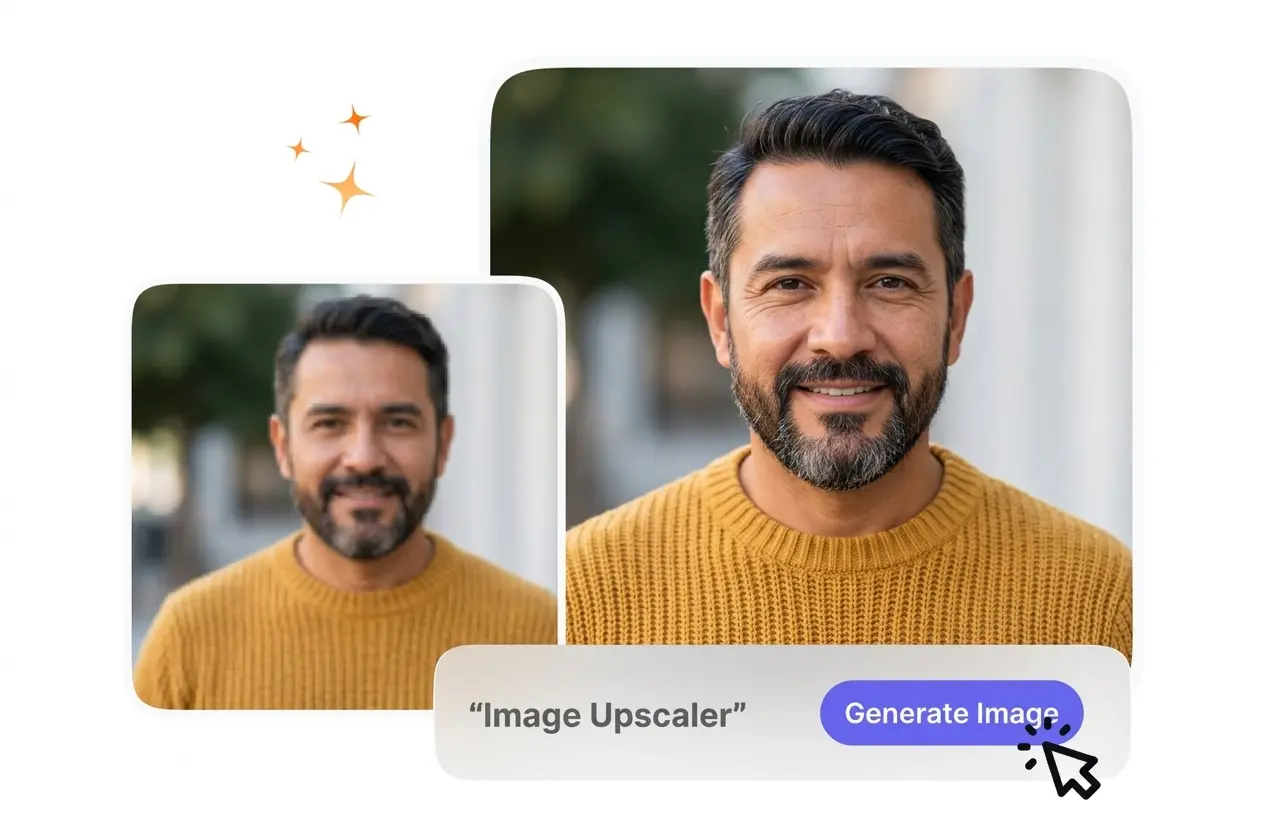
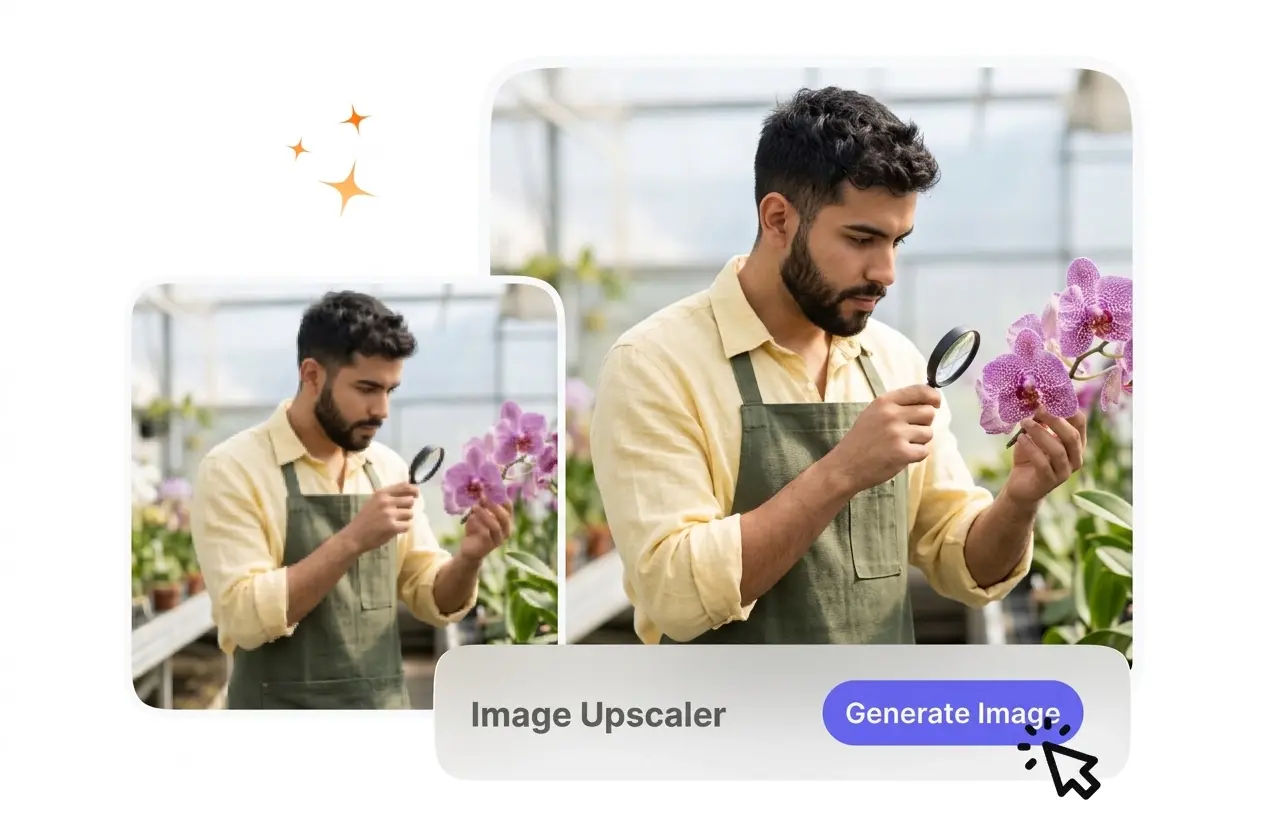
Product photos often look blurry on high resolution displays. You upload your catalog files, and VideoAI refines the details for a crisp presentation. This free image upscaler helps buyers see exact textures before they purchase.
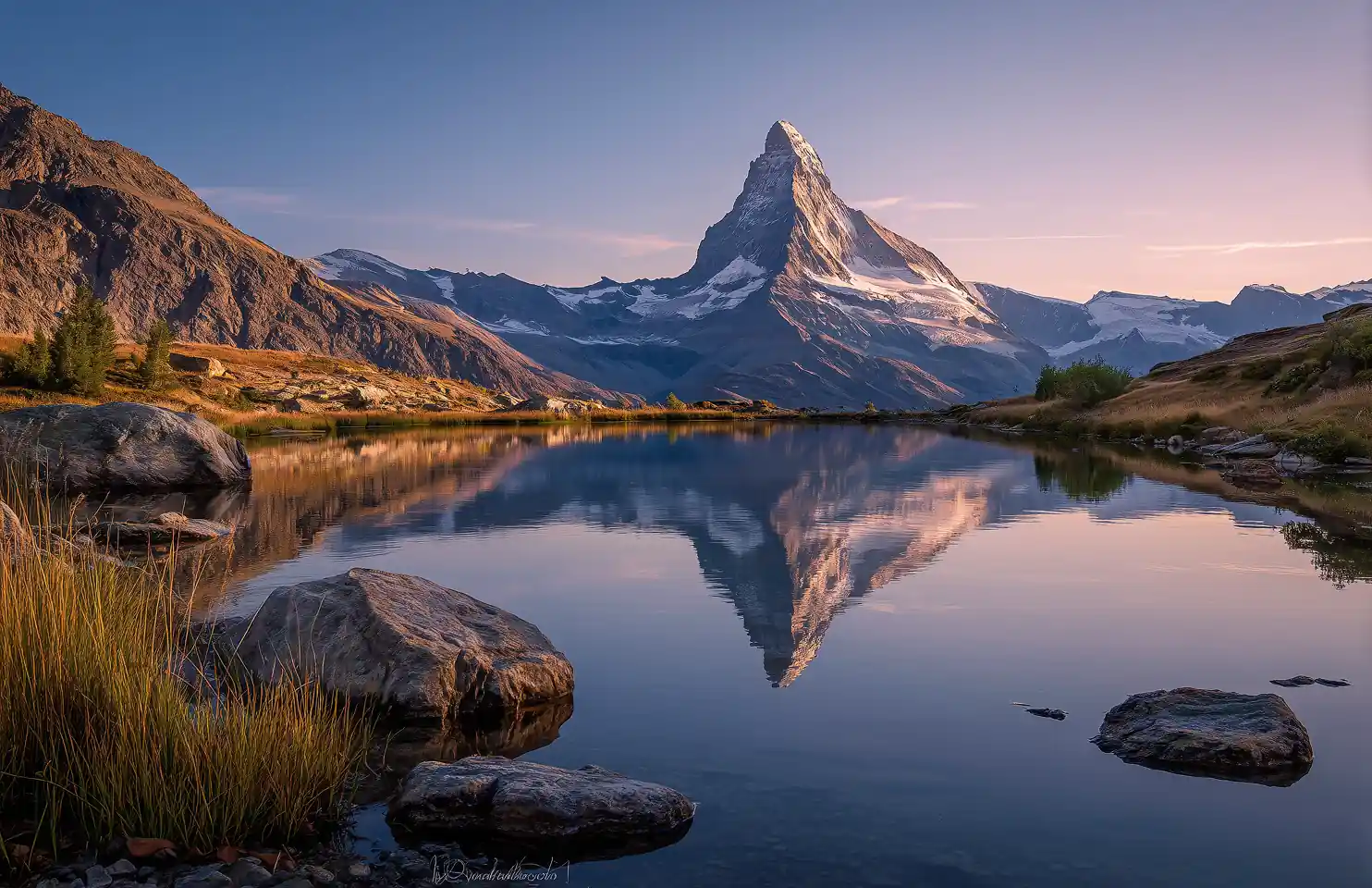
Upload an image to enhance resolution and preserve the natural look of edges and textures with our AI image upscaler.
Supports JPG, PNG, WEBP, or GIF
up to 10MB
Supports JPG, PNG, WEBP, or GIF
up to 10MB
Processing usually takes 15-60 seconds.
VideoAI clarifies your low resolution files so you can print or post them confidently. This image upscaler restores edges and natural textures fast.
E-commerce managers, print designers, and digital marketers use this tool to increase image quality. Clear visuals help maintain brand trust across all platforms.
Product photos often look blurry on high resolution displays. You upload your catalog files, and VideoAI refines the details for a crisp presentation. This free image upscaler helps buyers see exact textures before they purchase.

Posters and banners require massive file dimensions to avoid pixelation. VideoAI expands your reference image to meet commercial printing standards. You enlarge image without losing quality, ensuring your final physical materials look sharp and professional.

Social media campaigns need clear assets to capture attention quickly. You process your older campaign graphics through this ai photo upscaler to refresh them. The output matches modern display standards without requiring a new photoshoot.
Follow these steps to process your files through the image upscaler. VideoAI handles the technical scaling so you receive a clean, high resolution output.
You select a low resolution JPG, PNG, or WebP file from your device. VideoAI analyzes the existing pixels and prepares the engine to restore missing details based on your specific upload.
You choose either a 2x or 4x magnification setting for your specific project. VideoAI processes the request, applying intelligent sharpening to maintain natural textures while expanding the overall dimensions accurately.
When you export, the file retains its new clarity without adding any restrictive watermarks. You download the finished asset, so it is immediately ready for your web publishing or commercial printing needs.
VideoAI provides specific tools to improve your visual assets. Review these image upscaler features to understand exactly how the system refines your files.
VideoAI identifies edges and textures during the scaling process to prevent artificial smoothing. You do not need to adjust complex sliders to get a realistic result. If your original file lacks sharp edges, results may vary.
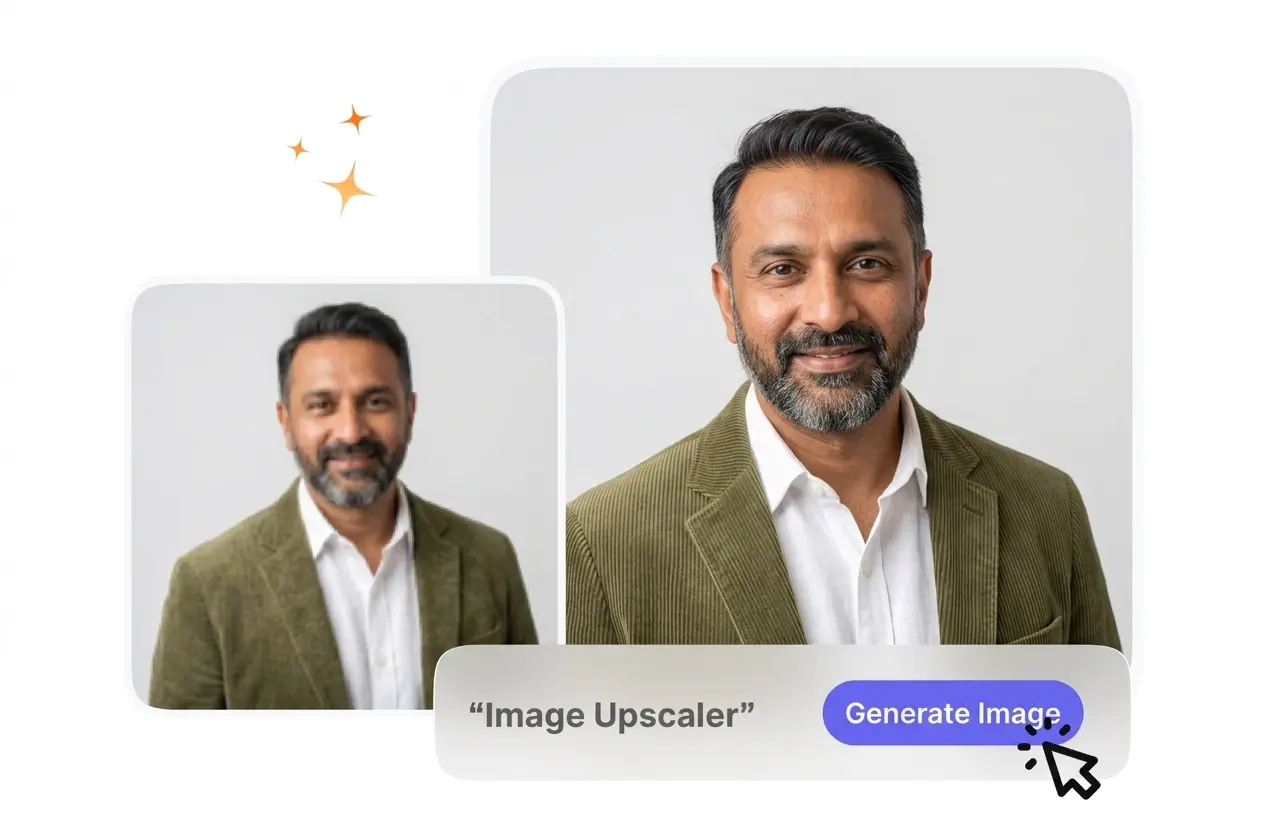
The system supports 2x and 4x scaling to meet strict commercial requirements. You select the target size, and VideoAI generates the necessary pixels. This photo enhancer works best with well-lit source files containing clear subjects.
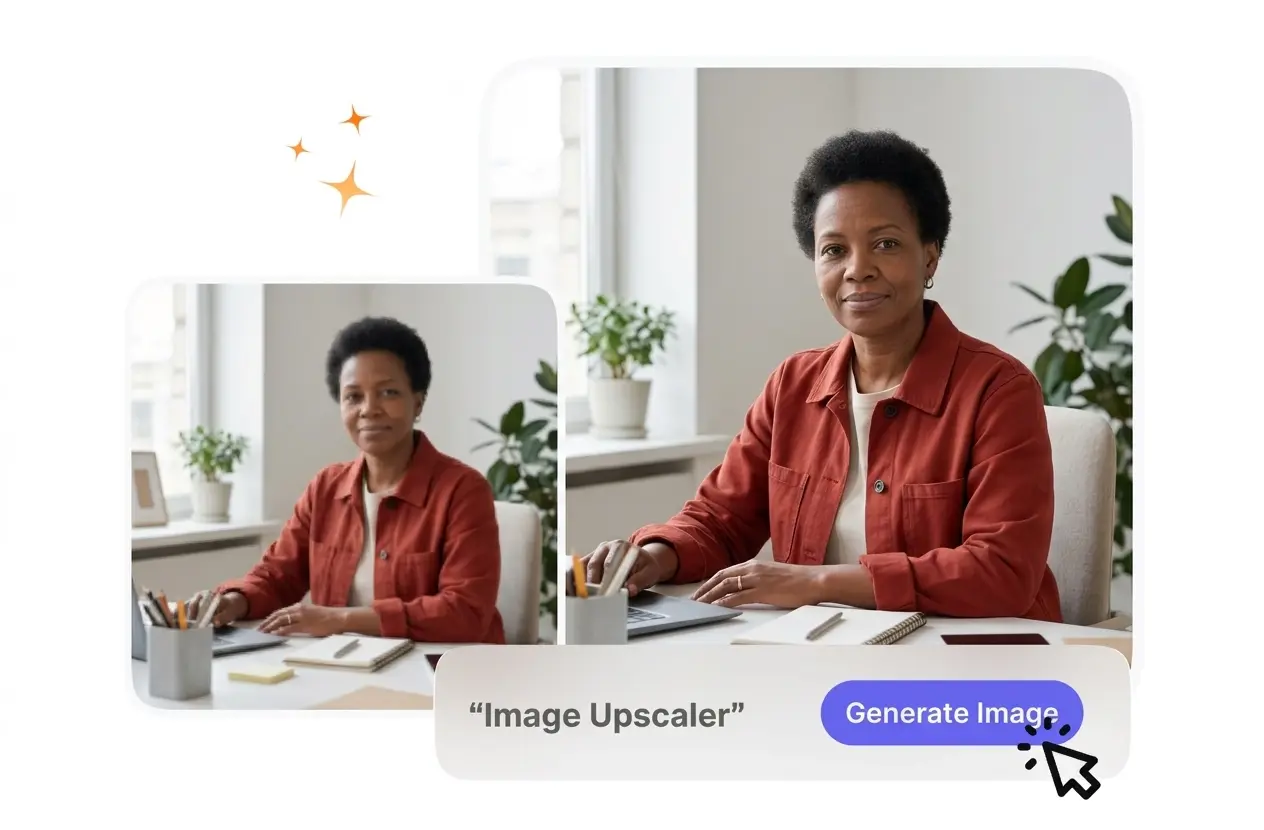
The platform delivers clean files suitable for professional distribution and printing. You receive unwatermarked assets that integrate directly into your workflow. Extremely compressed source files might still show minor artifacts even after the scaling process.
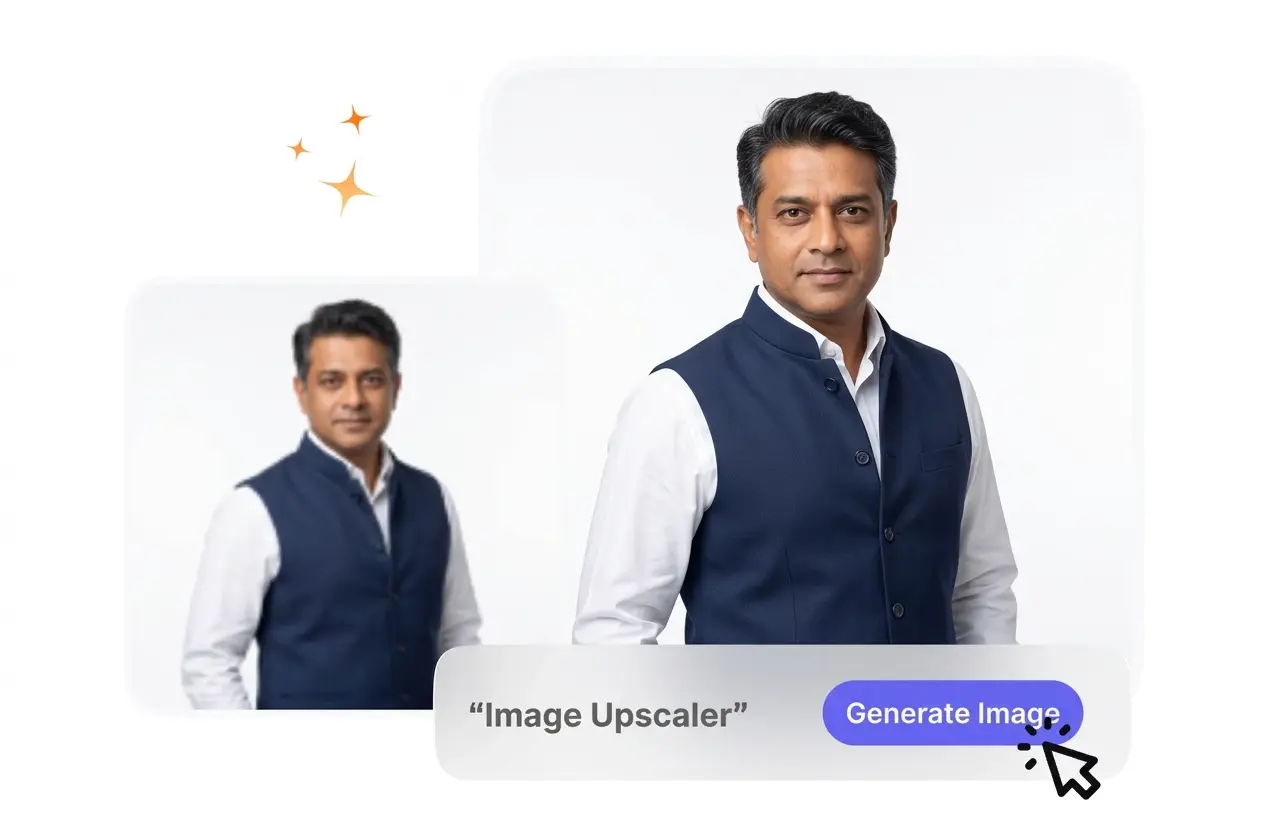
When you Enlarge Images, the engine analyzes surrounding pixels to predict and fill in missing information. Heavily degraded files might not recover perfectly. This helps creators salvage older graphics for modern high resolution displays without starting over.
Upload your first file to see how this image upscaler clarifies details. Experience predictable scaling that prepares your visual assets for professional use.
Get Started